
Construction task management for your crew.
Assign it. Pin it. See it done.
Create tasks, pin them to the drawings, and let your crew check them off from site with a photo. You see the job move without driving out.
No credit card. Free for a month.
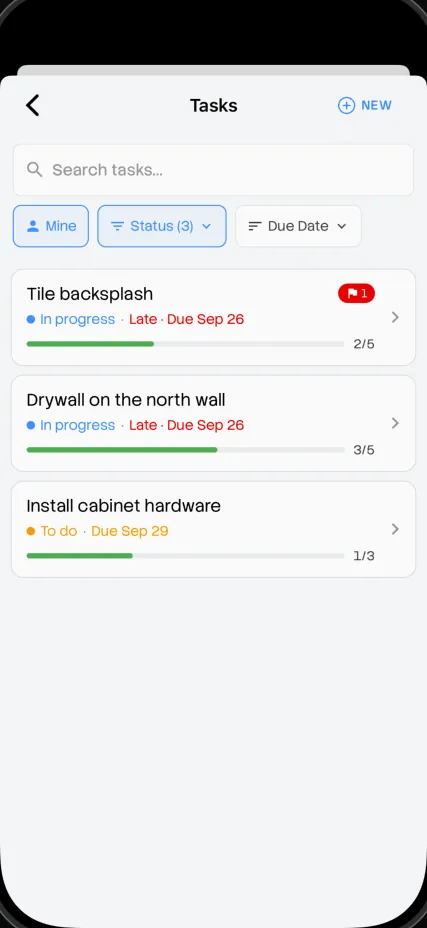
Anatomy of a task
Everything your crew needs, on one card.
Who, what, where and when, plus the photo that proves it's done.
- Assigned to
- Marco
- Due
- Thursday
- Pinned on
- Floor 2, utility room
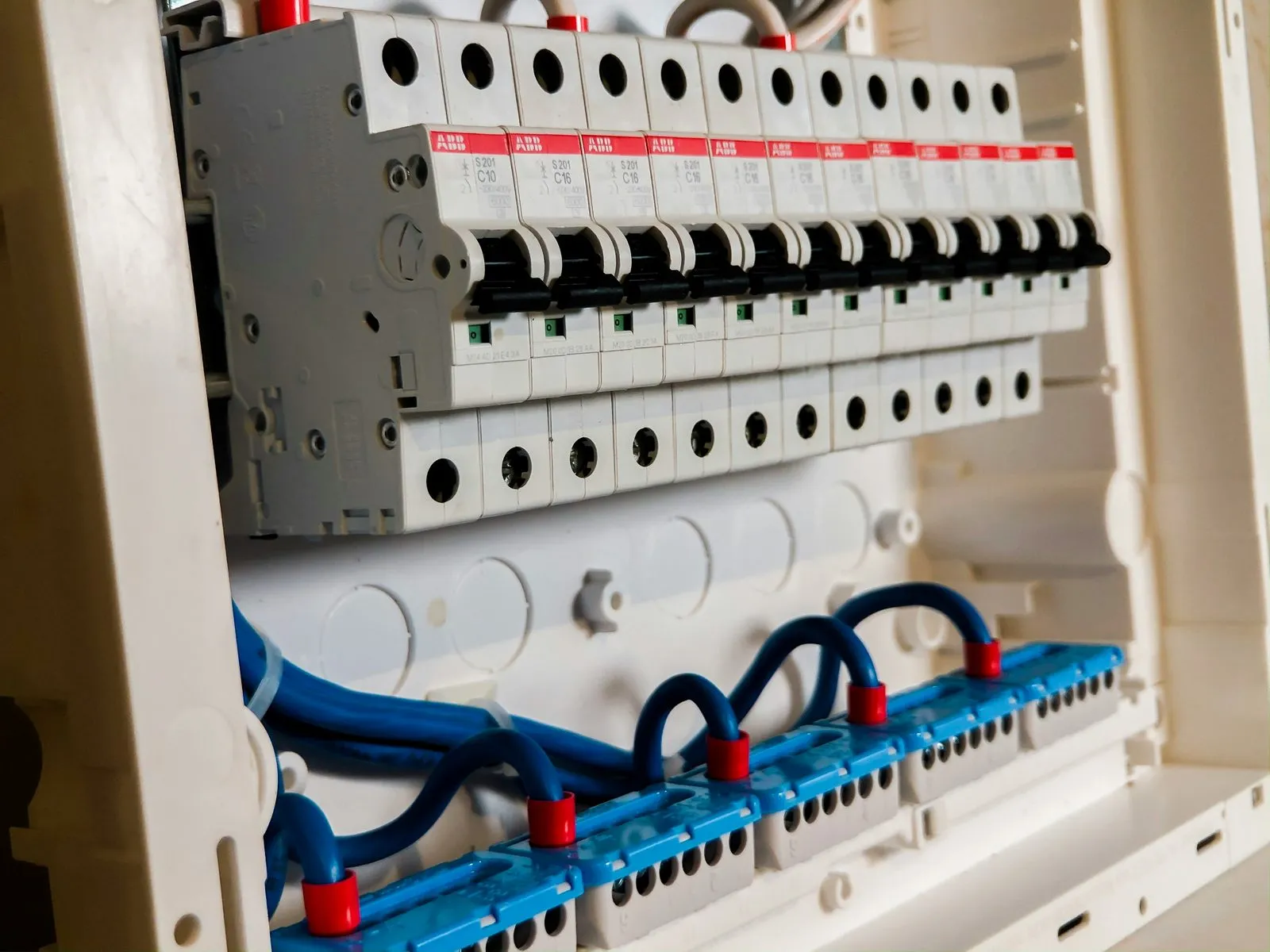
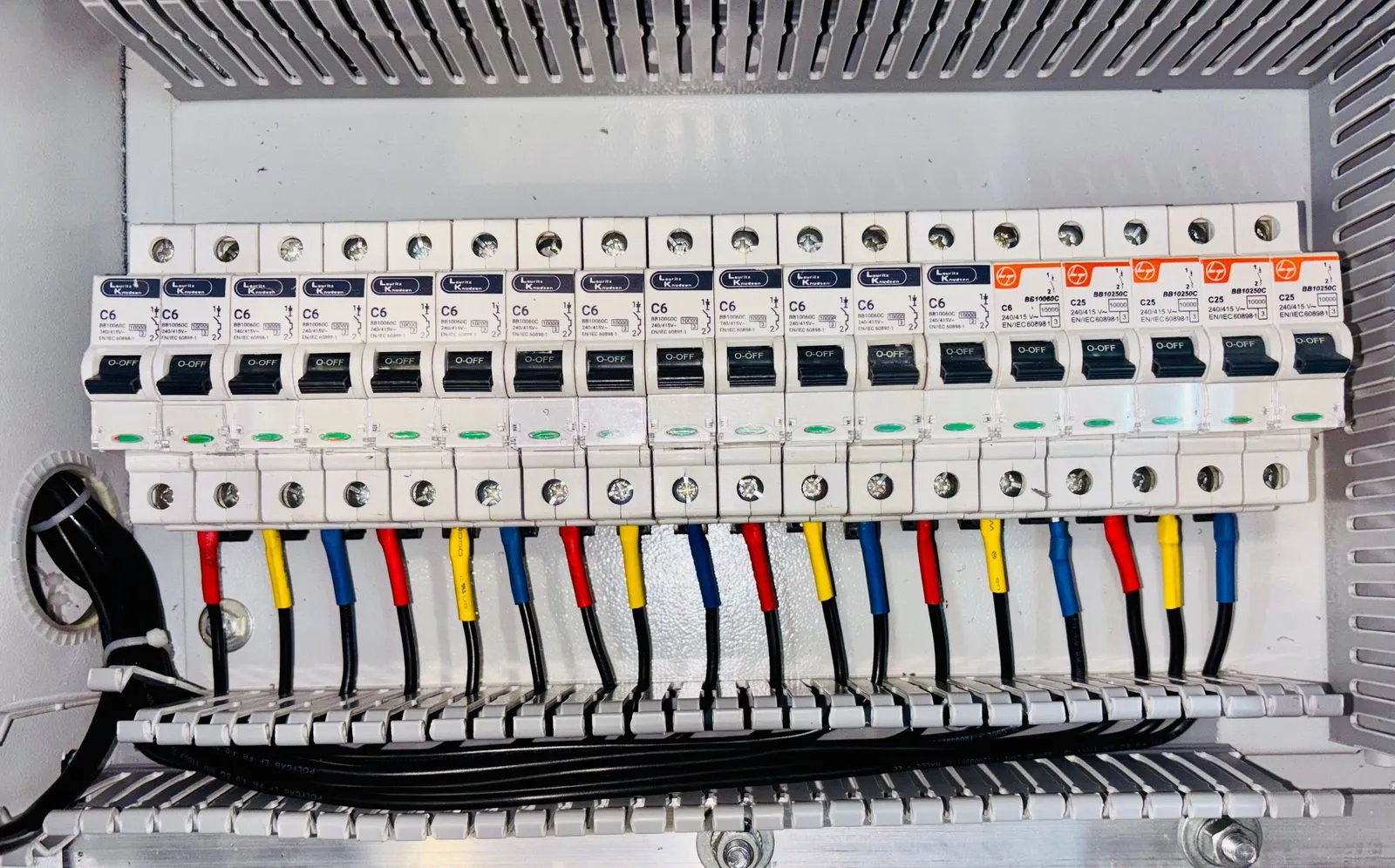
Install electrical panel
200A panel, north wall of the utility room. Label every circuit.
MMarco
- Status
- In progress
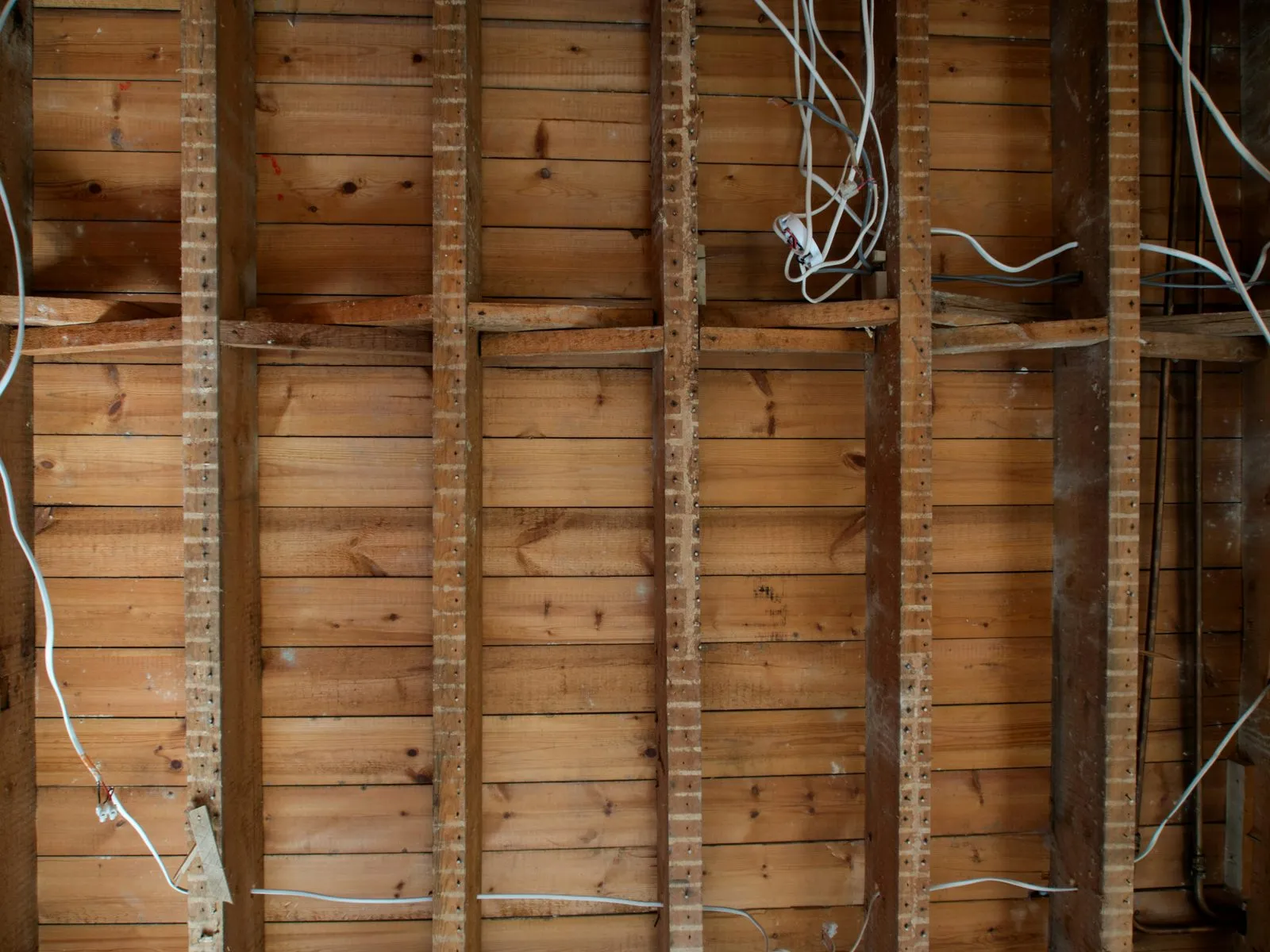
- Proof
- Photos attached
- Checked by
- WorkReels AI
The whole job at a glance
See what's done, what's next, and what's stuck.
Every task moves from to do, to in progress, to done, with photos and AI checks along the way.
To do2
-
Patch drywall, Unit 3
Priya Needs photo
-
Order cabinet hardware
You Fri
In progress2
-
Install electrical panel
Marco In progress
-
Tile backsplash
Dev Flagged
Done2
-
Rough-in plumbing
Sam Verified
-
Drywall, north wall
Priya Verified
Nothing slips
WorkReels watches the job for you.
WorkReels AI keeps an eye on deadlines, task activity and new photos, and flags anything that needs a follow-up before it becomes a problem.
- Due today Patch drywall, Unit 3 has no photo yet.
- Stalled Tile backsplash hasn't moved in 2 days.
- Flagged Grout gap near the outlet. Dev has been told.
Built for the site
Simple enough for the newest hire.
Tasks pinned to the plans
Drop a task on the exact spot on the drawing. Your crew knows where, not just what.
Done means there's a photo
Crews check off tasks from site and attach the photo. You see real progress, not a checkbox.
Checked by AI
Every finished task is checked against its photo. Problems get caught early.
One place for the whole crew
Tasks, photos and comments stay together, not spread across texts and whiteboards.
Where it fits
One part of your crew's day.
- 7:00 AM Check in
- 7:15 AM Photos
- 10:30 AM Tasks
- 10:31 AM AI check
- 1:00 PM Drawings
- 3:30 PM Client update
- 5:00 PM Daily report
- While you sleep Portfolio
Common questions
Can my crew add photos to a task?
Yes. They snap the photo from the task, and it's attached and filed to the job.
Can I pin tasks on my drawings?
Yes. Drop a task on the exact spot on your plans so the crew knows where the work is.
How does WorkReels know a task is really done?
Your crew adds a photo when they finish, and WorkReels AI checks it against the task.
Do I need to set anything up?
No. Create a project, add your drawings, and start assigning tasks.
It just works.
Assign your first task on tomorrow's job.
Get started freeNo credit card. Free for a month.