Skip to content
WorkReels

Construction daily reports that write themselves.

Check out. The report's done.

At the end of the day, WorkReels writes the daily report for you: work done, photos, flagged items and crew hours. Review it, send it, go home.

No credit card. Free for a month.

What your daily report looks like

Work done and crew hours, in one report.

Every report is built from the day's photos, finished tasks, AI checks and check-ins. You don't type a word.

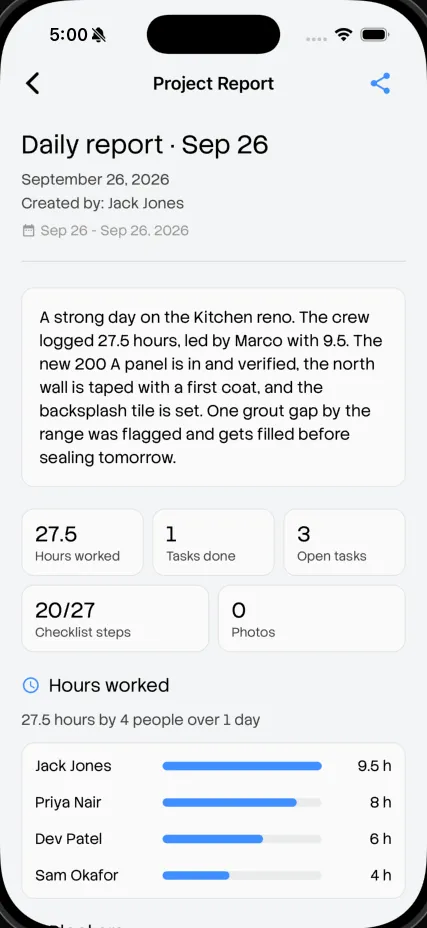
Daily report · Tue, Sep 29

Kitchen reno, 42 Maple St

[LOGO]

Summary · written by WorkReels AI

Kitchen reno is 74% complete. The electrical panel was installed and verified, and drywall on the north wall is finished. The tile backsplash was flagged for a grout gap near the outlet and fixed the same morning.

Work done

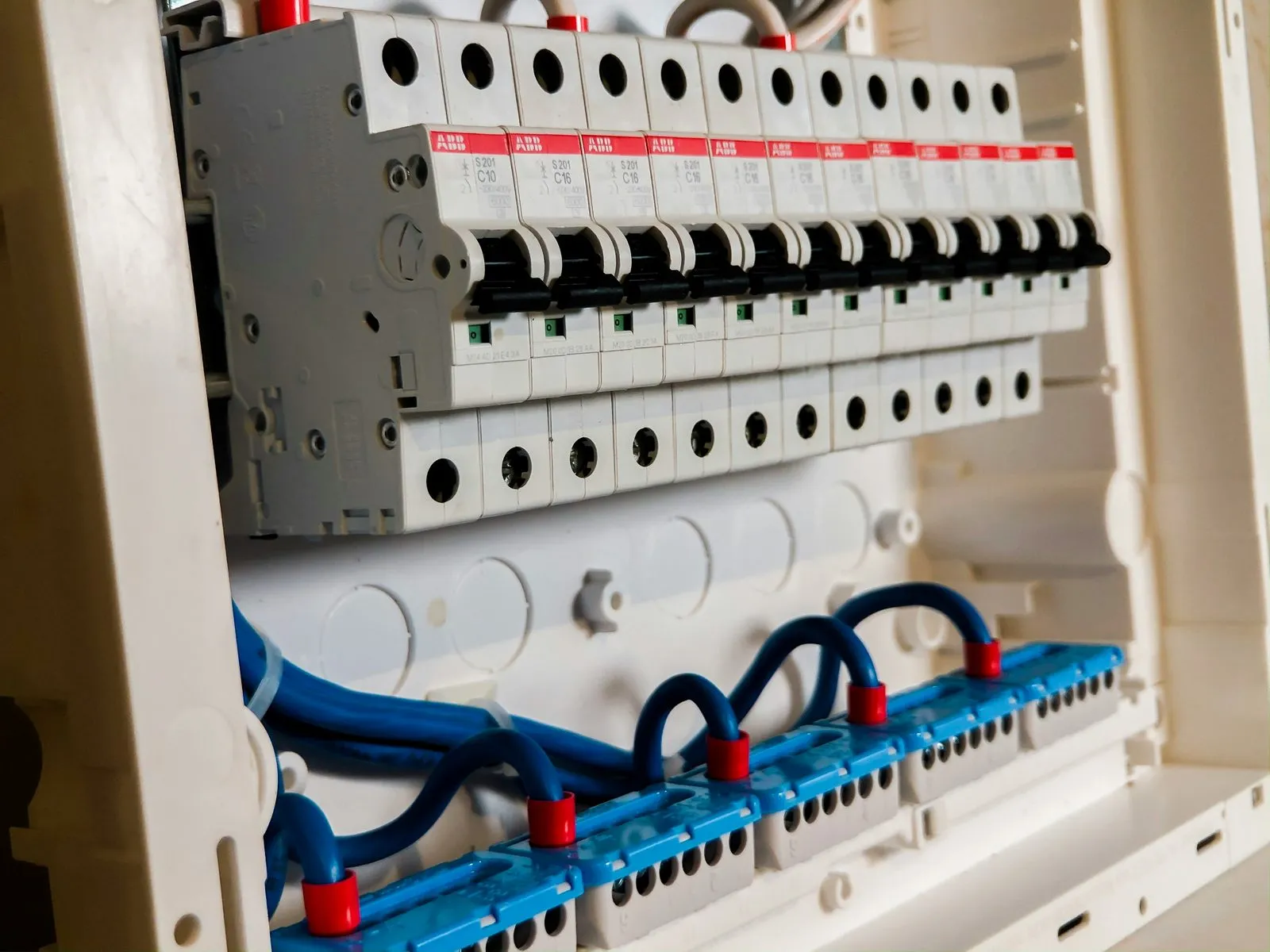
  • Done: Install electrical panel

    Marco · verified by AI

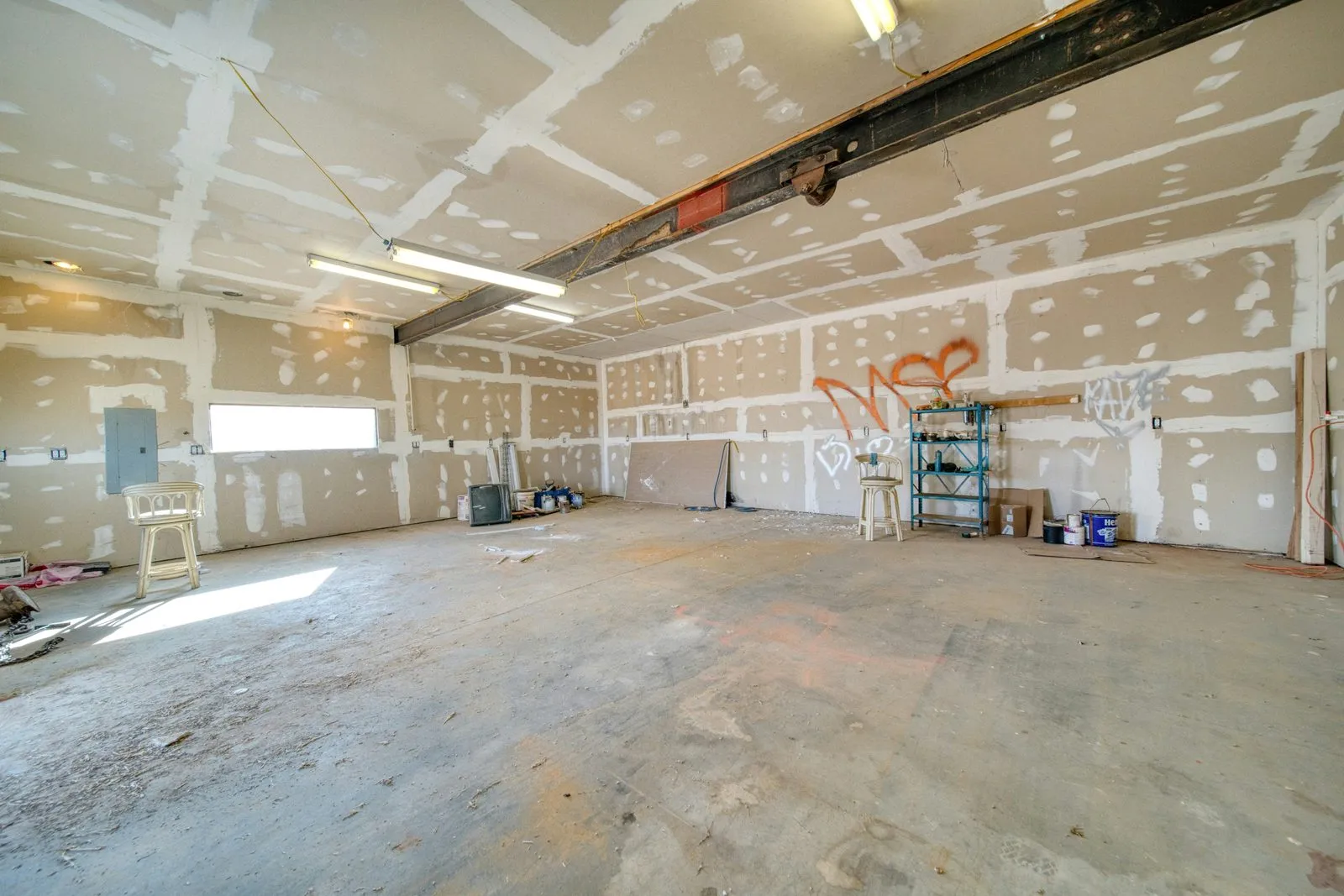
  • Done: Drywall, north wall

    Priya · verified by AI

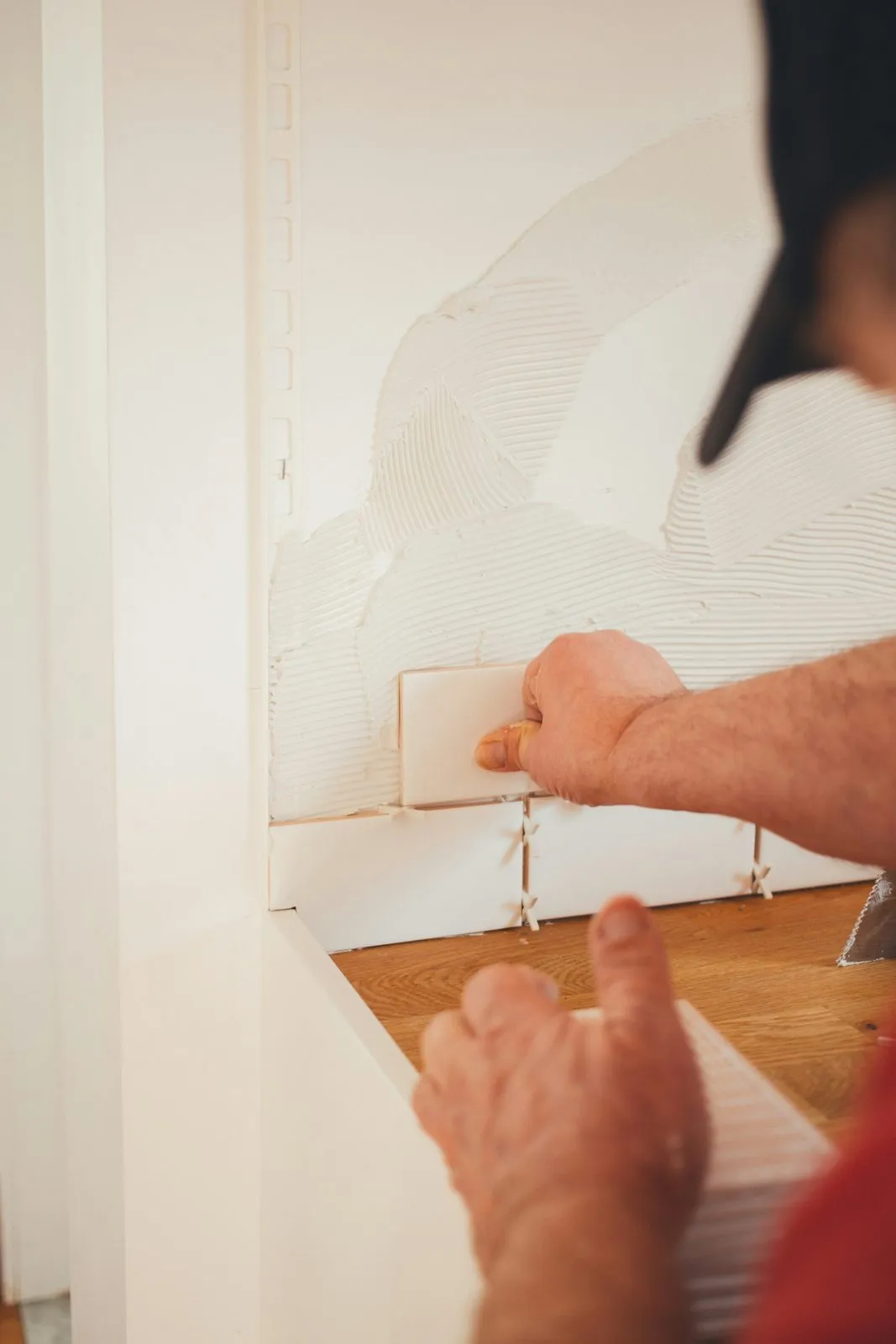
  • Flagged: Tile backsplash

    Dev · flagged, then fixed

Crew hours · 27.5h

  • Marco 10h
  • Priya 9.5h
  • Dev 8h

Photos · 14 today

  • New electrical panel
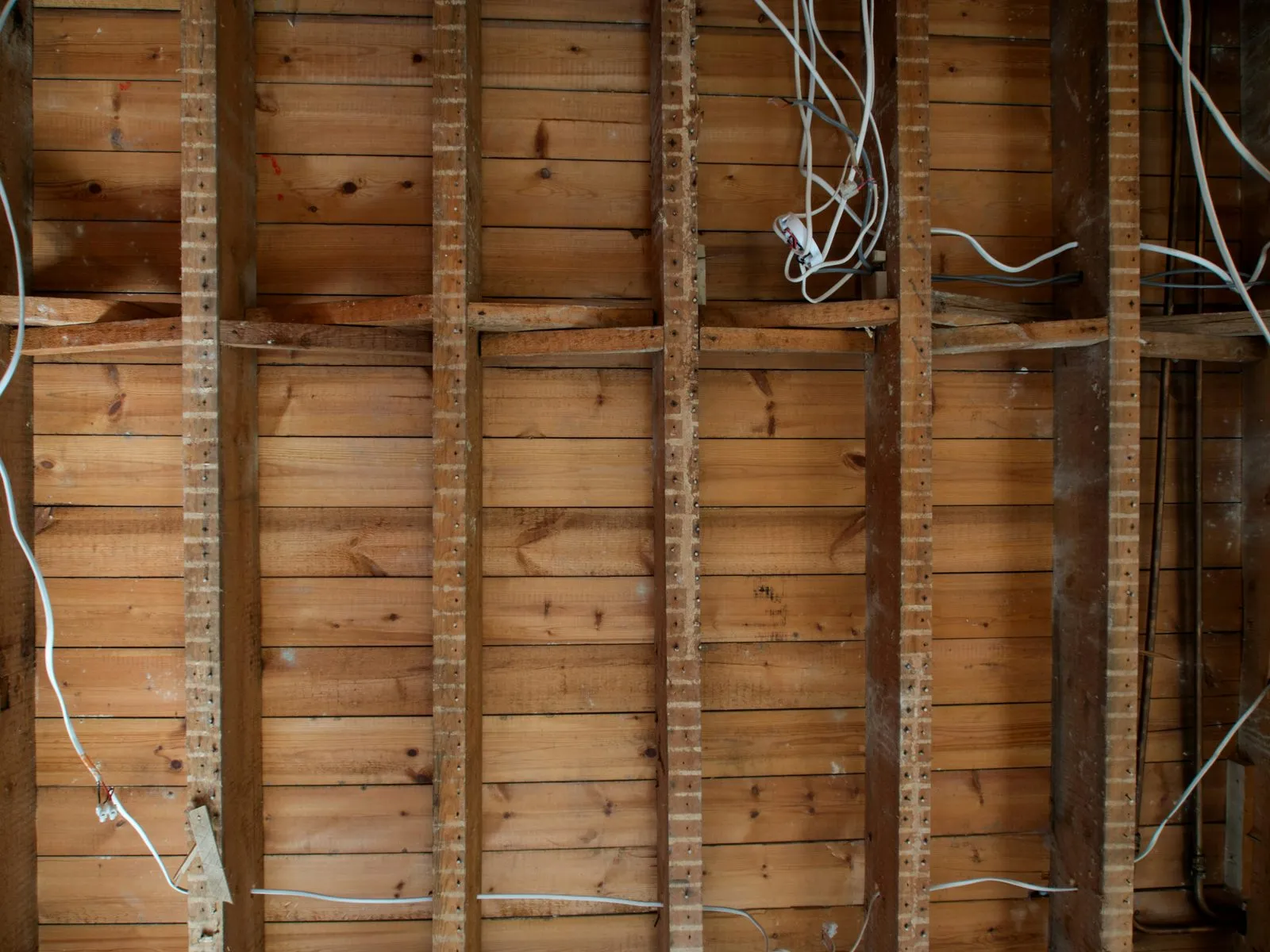
  • Electrical rough-in
  • Drywall on the north wall
  • Setting the backsplash tile
  • Grout close-up
  • Finished backsplash
Send to client Download PDF

What's in every report

Everything that happened, nothing you have to write.

A written summary

WorkReels AI writes a plain-language summary of the day, from the photos and tasks.

Work done

Every finished task, with who did it and whether AI verified it.

Flagged items

Anything that looked off, and whether it got fixed.

Crew hours

Hours by person from check in and check out, added up for the day.

Photos

The day's photos, filed to the job and ready to share.

Your branding

Your logo on every report, sent as a link or a PDF.

Who it's for

One report, three uses.

For you

Know how every job went today without a single phone call.

For your client

Send it, or share it on their client portal, in one tap.

For the office and adjusters

A dated, photo-backed record of what was done and who was there.

How it works

Three taps a day. One report.

  1. Step 1: Crew checks in.

    Hours start counting against the job.

  2. Step 2: Crew works.

    Photos, tasks and AI checks pile up as the day goes.

  3. Step 3: Crew checks out.

    The daily report is written and waiting for you.

Common questions

Do I have to write anything?

No. The report is written from the day's photos, tasks, AI checks and hours. You can review it before sending.

What's in a daily report?

A summary, work done, flagged items, crew hours and the day's photos.

Can I send it to my client?

Yes. Send it as a link or a PDF, or share it on their client portal.

Can I use it for insurance or disputes?

Yes. Every report is a dated, photo-backed record of the day, ready to share with an insurance adjuster or use if there's ever a dispute.

It just works.

Get your first daily report tomorrow at 5:00 PM.

Get started free

No credit card. Free for a month.