
Client portal for contractors.
Stop texting job photos. Send one link.
WorkReels turns the photos you already take on site into a private timeline your client can check any time.
No credit card. Free for a month.
Sarah's kitchen
-
Today, 3:30 PM
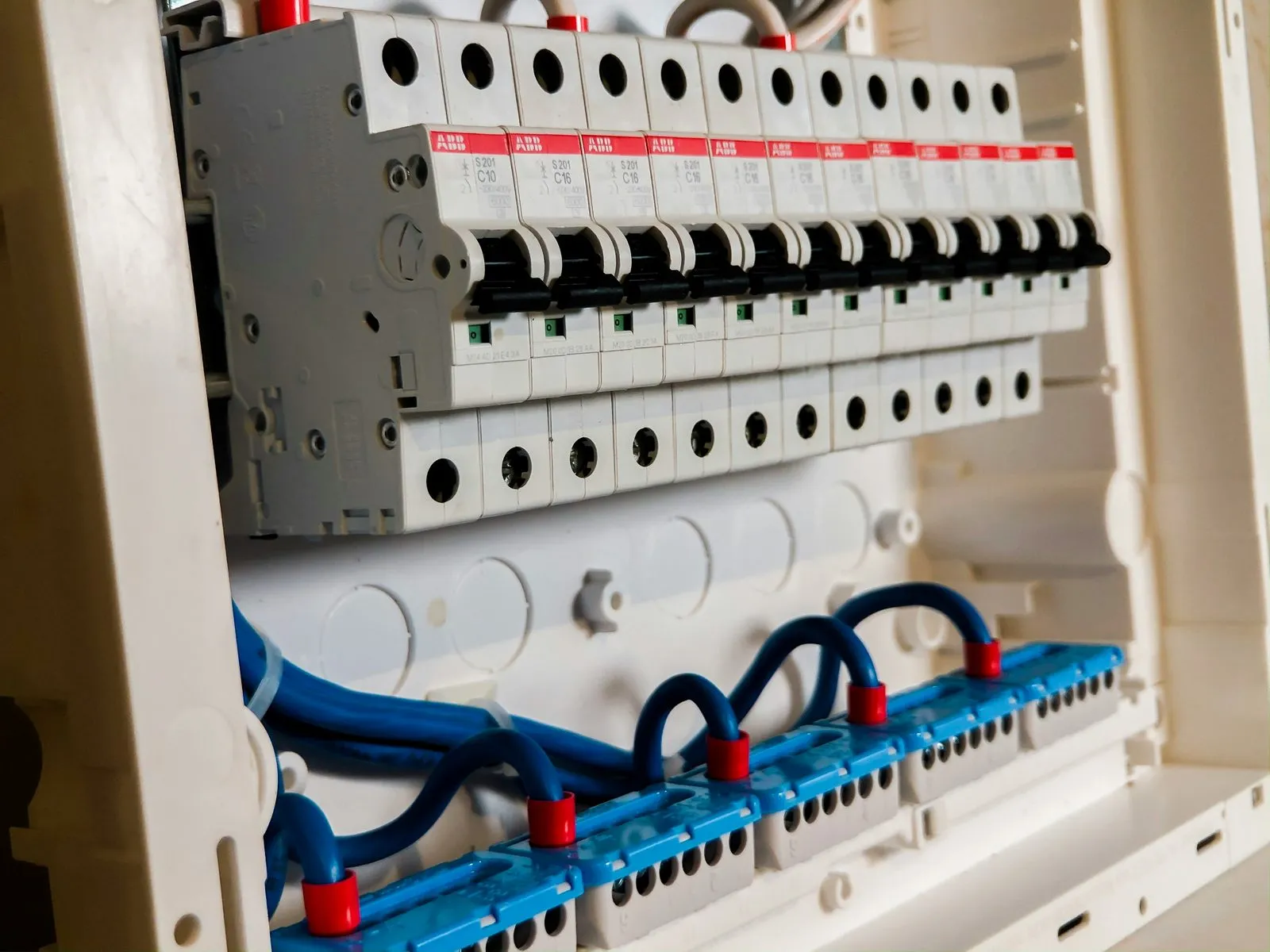
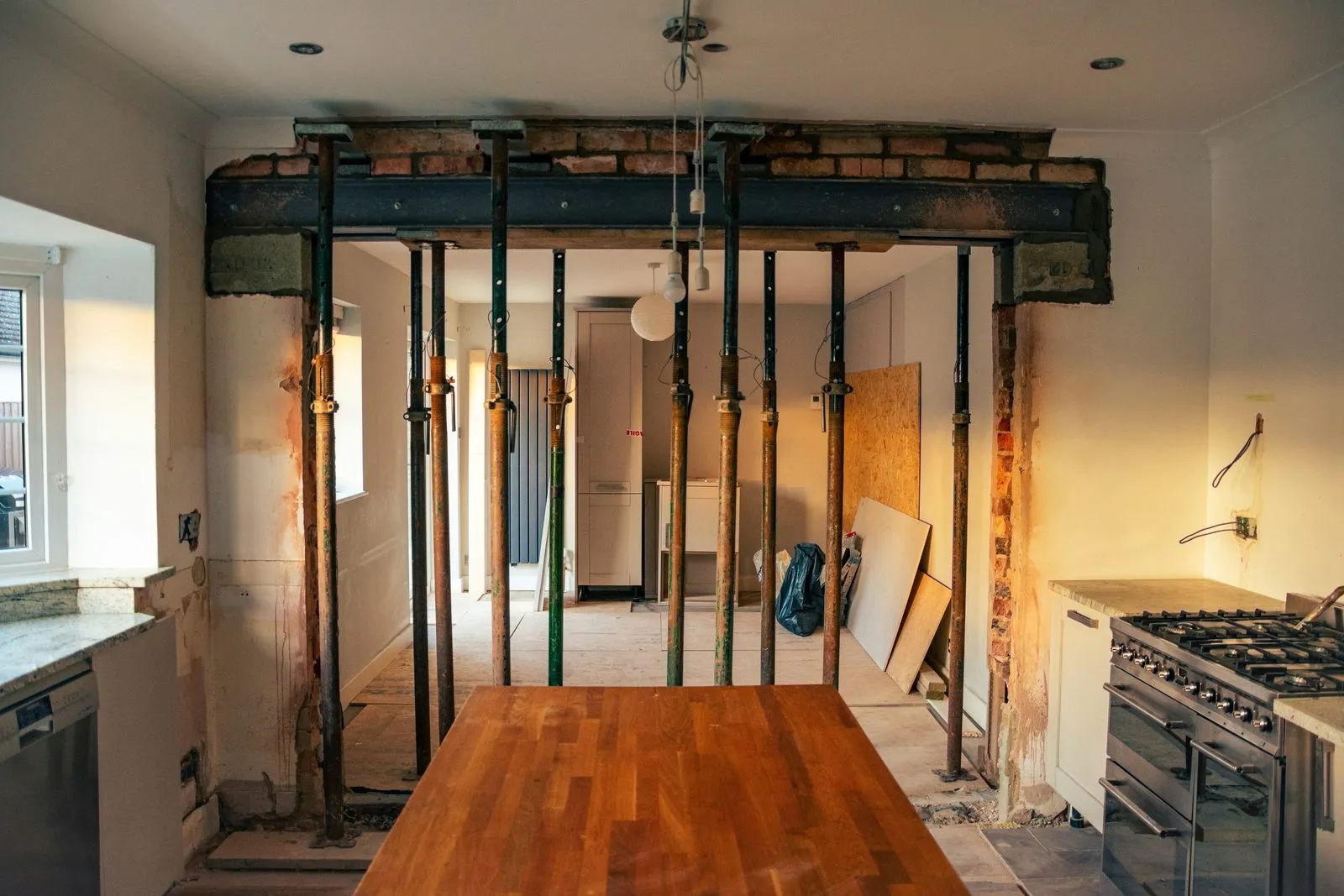
Panel is in. Cabinets arrive Tuesday.
-
-
Mon, 4:10 PM
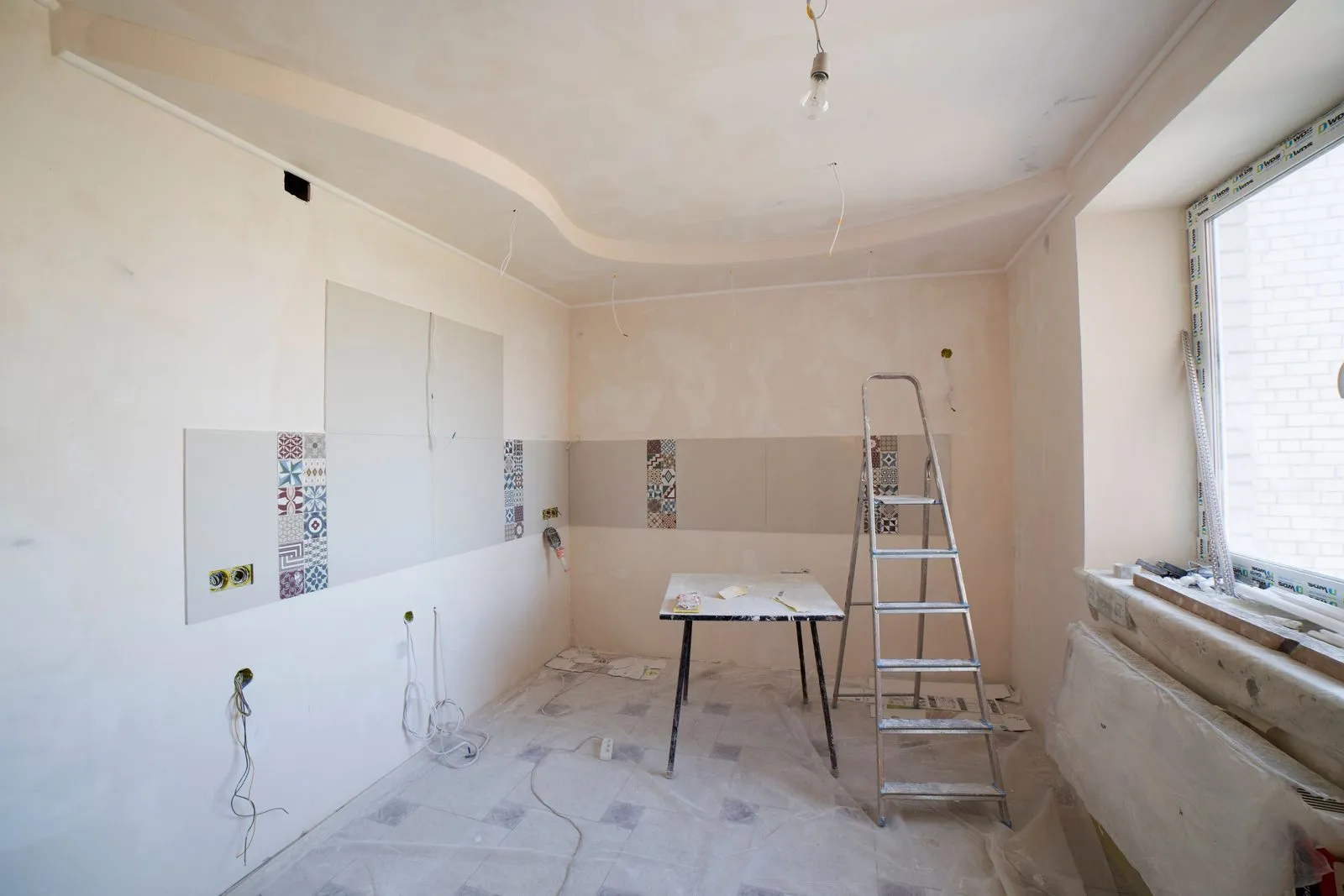
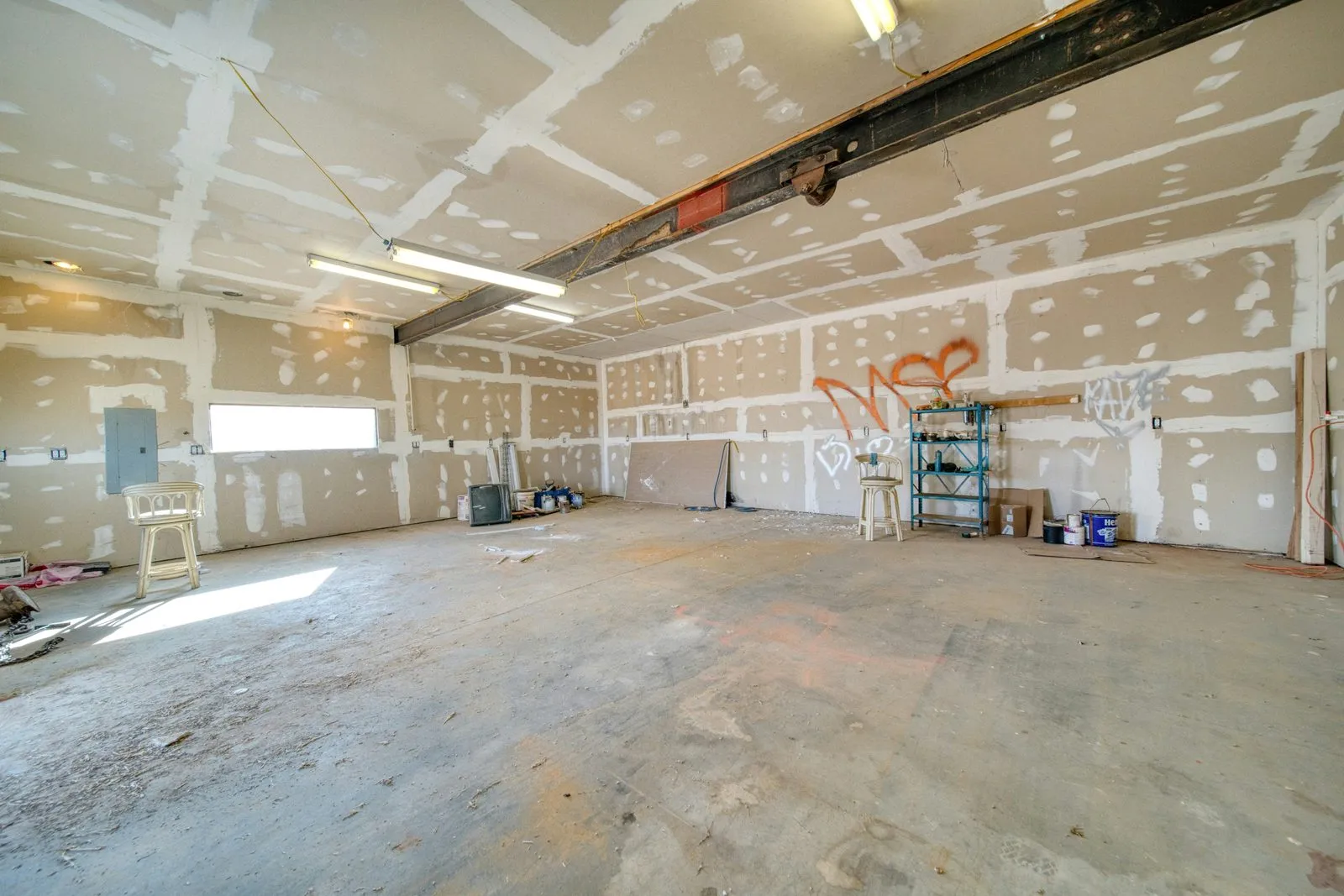
Drywall finished on the north wall.
-
How it works
One tap on your side. Live on theirs.
No separate "update photo" task and no update text to write. Approve a photo on site and it's on their timeline right away.
Your side
Approve the update.
One tap makes a photo or note client-visible. Everything else stays private, for your team only.
Their side
They check the link.
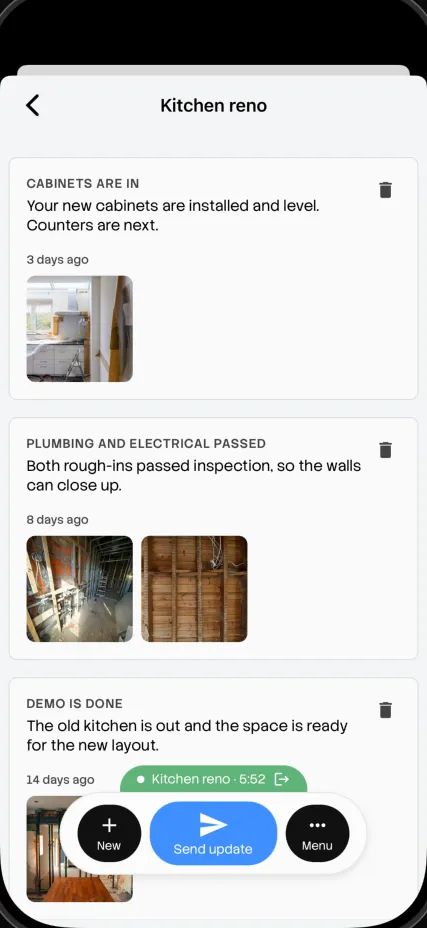
Your client opens their link, enters the passcode, and sees the update. No login, no app, no waiting on you.
Sarah's kitchen
-
Today, 3:30 PM
Panel is in. Cabinets arrive Tuesday.
-
-
Mon, 4:10 PM
Drywall finished on the north wall.
-
Fewer status calls
Answer before they ask.
Most "how's it going?" texts happen because there's nowhere else to look. Give your client somewhere to look, and the texts stop.
1 link
per project, always current
0 apps
for your client to install
~5 min
to set up your first portal
Free
included with WorkReels
Sarah · Client
Hey! How's it going over there?
Any photos?
Just checking in again
With WorkReels, she already has the answer.
Private by default
Set a passcode. Share the link. Done.
Unlike your public portfolio, a client portal is never indexed or discoverable. Only people you share the link and passcode with can see it. Forgot the code? Reset it from your dashboard.
Sarah's kitchen
Enter the passcode from [Your company]
What your client gets
A portal that makes you look organized.
01
Passcode-protected
Only people with the link and the code can see a project.
02
A timeline, not a folder
Dated updates in order, easy to catch up on.
03
Your branding
Your logo and company name on every visit.
04
Works on any phone
No app to install. It opens right in the browser.
One capture, two ways to show the work
Approve a photo once. Use it twice.
The client portal and your contractor portfolio run on the same photos and approvals. A photo can update your client today and become a portfolio project when the job is done.
| Client portal | Contractor portfolio | |
|---|---|---|
| Who sees it | One client, private | Everyone, public |
| When | During the job | After it's done |
| Job | Keep a client updated | Win new work |
| Found on Google | Never | Yes |
Built for every trade
Show up before they check in.
Concrete contractors
Share forms, the pour, curing and the finished slab as it happens.
Roofers
Tear-off, deck repairs, underlayment and the final roof, in order.
Post-frame builders
Site prep to final walkthrough, every stage dated.
Renovators
Room by room, so clients see progress without a site visit.
Where it fits
One part of your crew's day.
- 7:00 AM Check in
- 7:15 AM Photos
- 10:30 AM Tasks
- 10:31 AM AI check
- 1:00 PM Drawings
- 3:30 PM Client update
- 5:00 PM Daily report
- While you sleep Portfolio
Common questions
How does a client portal cut down on status calls?
Every client gets one link tied to their project. The moment you approve a photo or note on site, it shows up on their timeline.
Does my client need an account or the app?
No. They open the link, enter the passcode you set, and see the project timeline in their browser.
Is the portal private?
Yes. Each portal link is behind a passcode you control, so only the people you share it with can see the project.
Can I use my company branding?
Yes. Your logo and company name show at the top of every client portal page.
Do I have to write separate updates?
No. It uses the same photos and notes you already capture on site.
What if a client forgets the passcode?
Resend or reset it any time from your dashboard.
It just works.
Send your first client update tomorrow.
Get started freeNo credit card. Free for a month.