
Job site photo app for contractors.
One place for your whole crew to take, store and share job site photos. Every shot is filed to the right project, tagged by AI and synced to the team the moment it's taken.
No credit card. Free for a month. iPhone and Android.
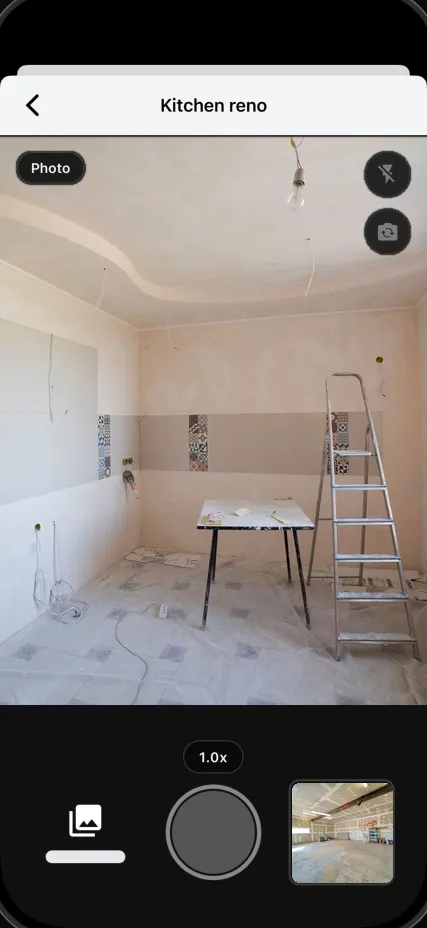
What happens to every photo
One tap. Six things done for you.
You take the photo. WorkReels fills in everything else, before your phone is back in your pocket.
- Time-stamped
- Tue, 10:14 AM
- Location-tagged
- 42 Maple St
- Filed to
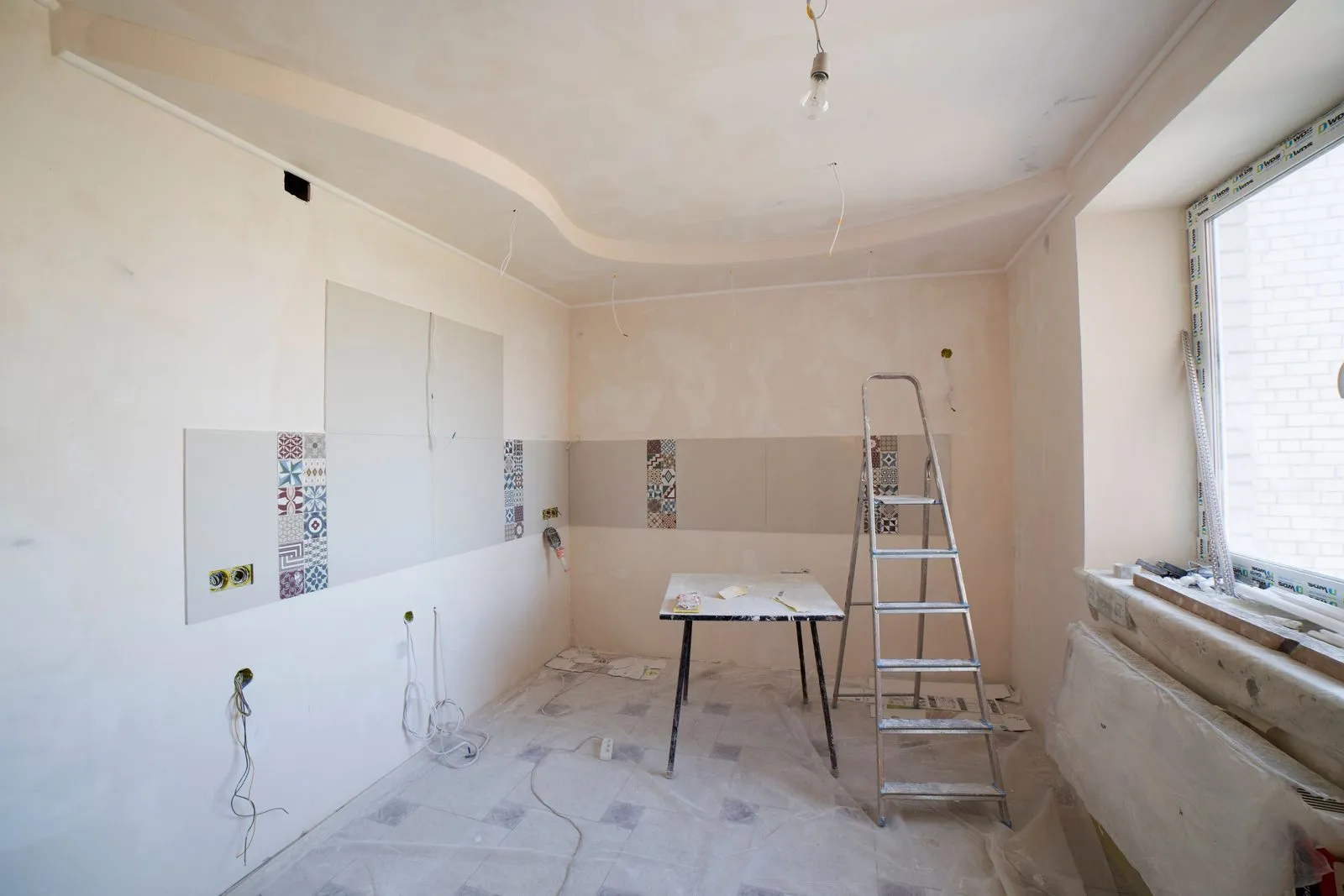
- Kitchen reno
- Taken by
- Marco
- AI tagged
- Drywall, ladder, window
- Backed up
- Full resolution
Organized for you
Find it the way you think about it.
Every photo is filed by project, person and date at once. Look at the job, the crew member, or last Tuesday.
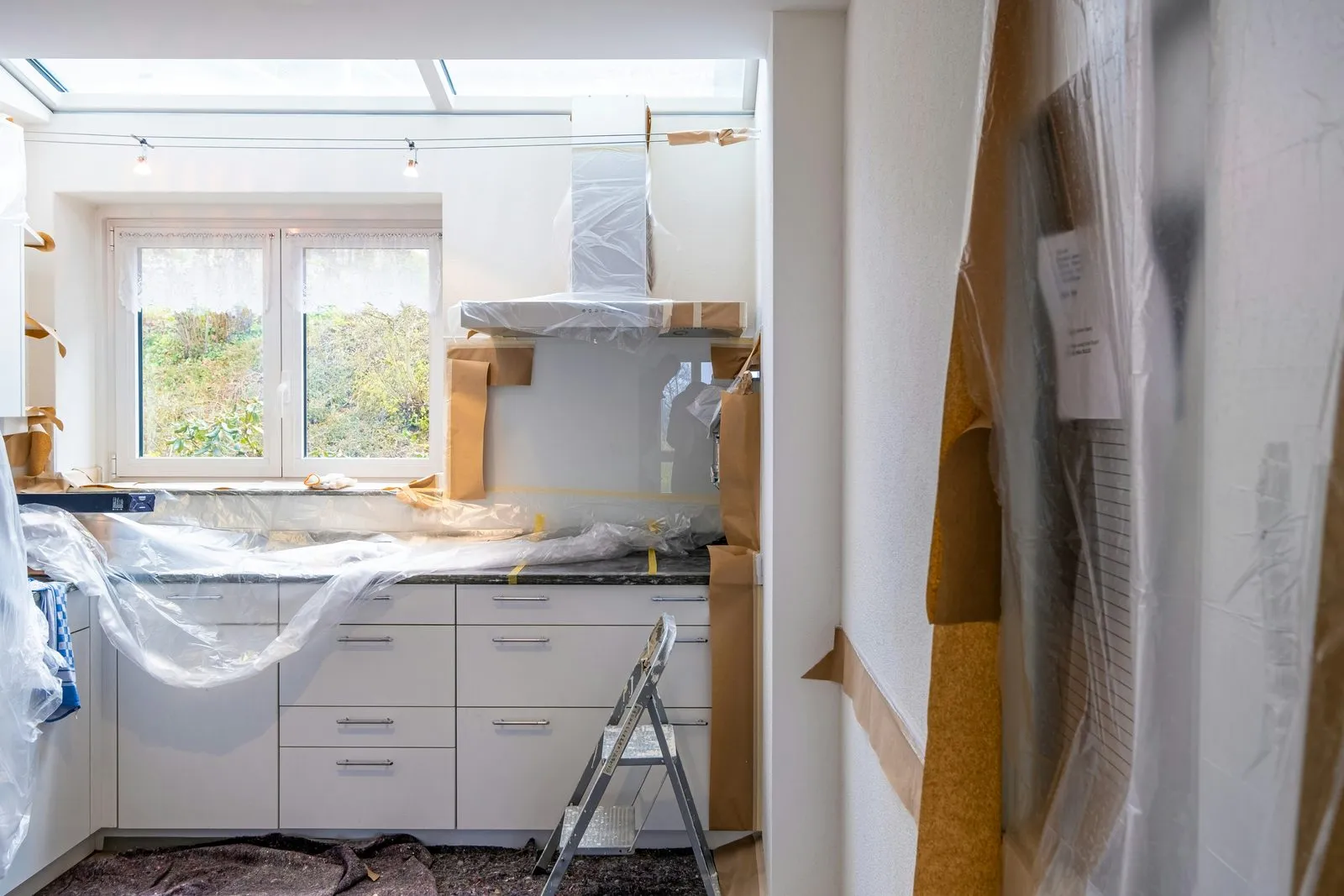
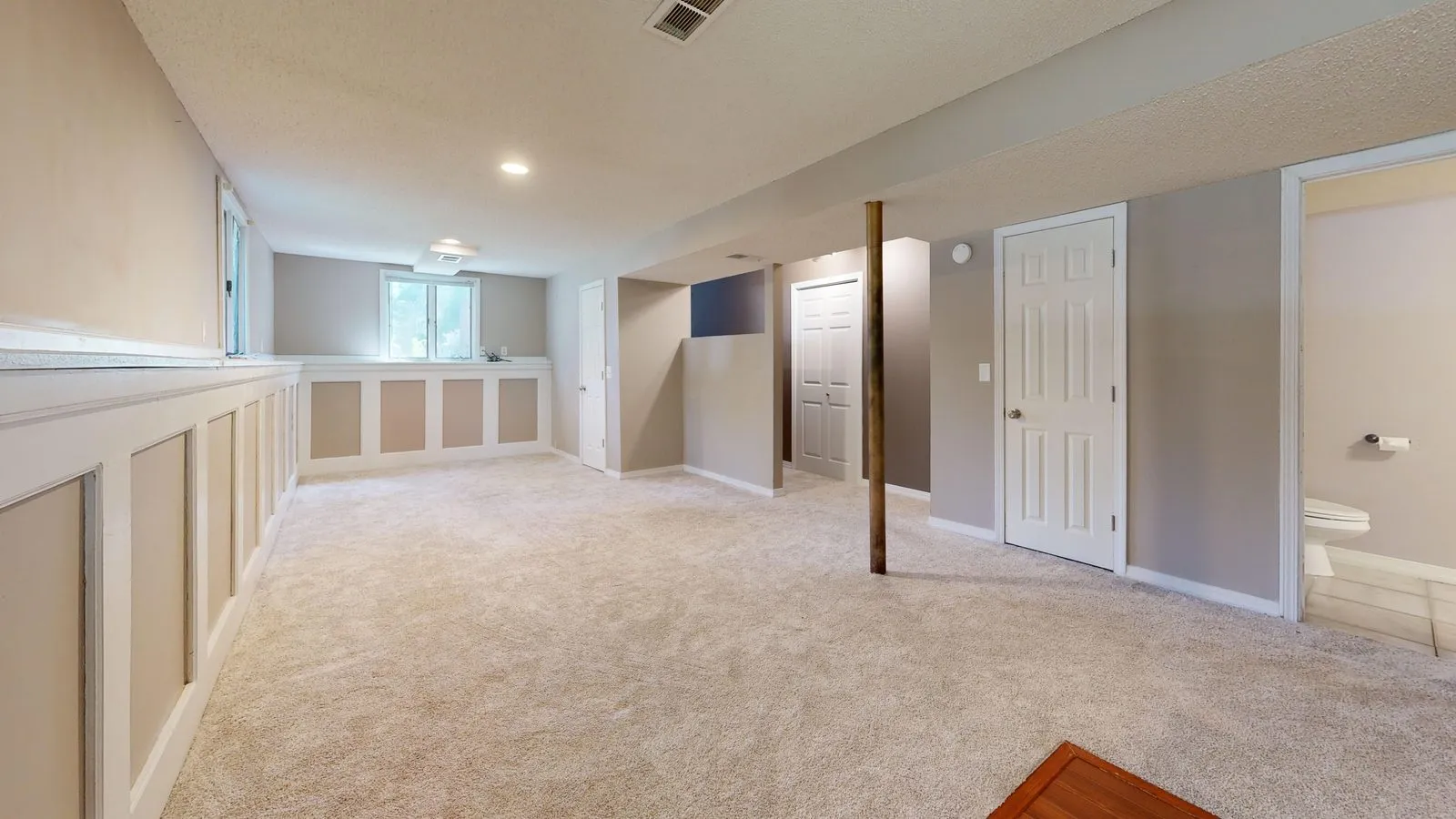
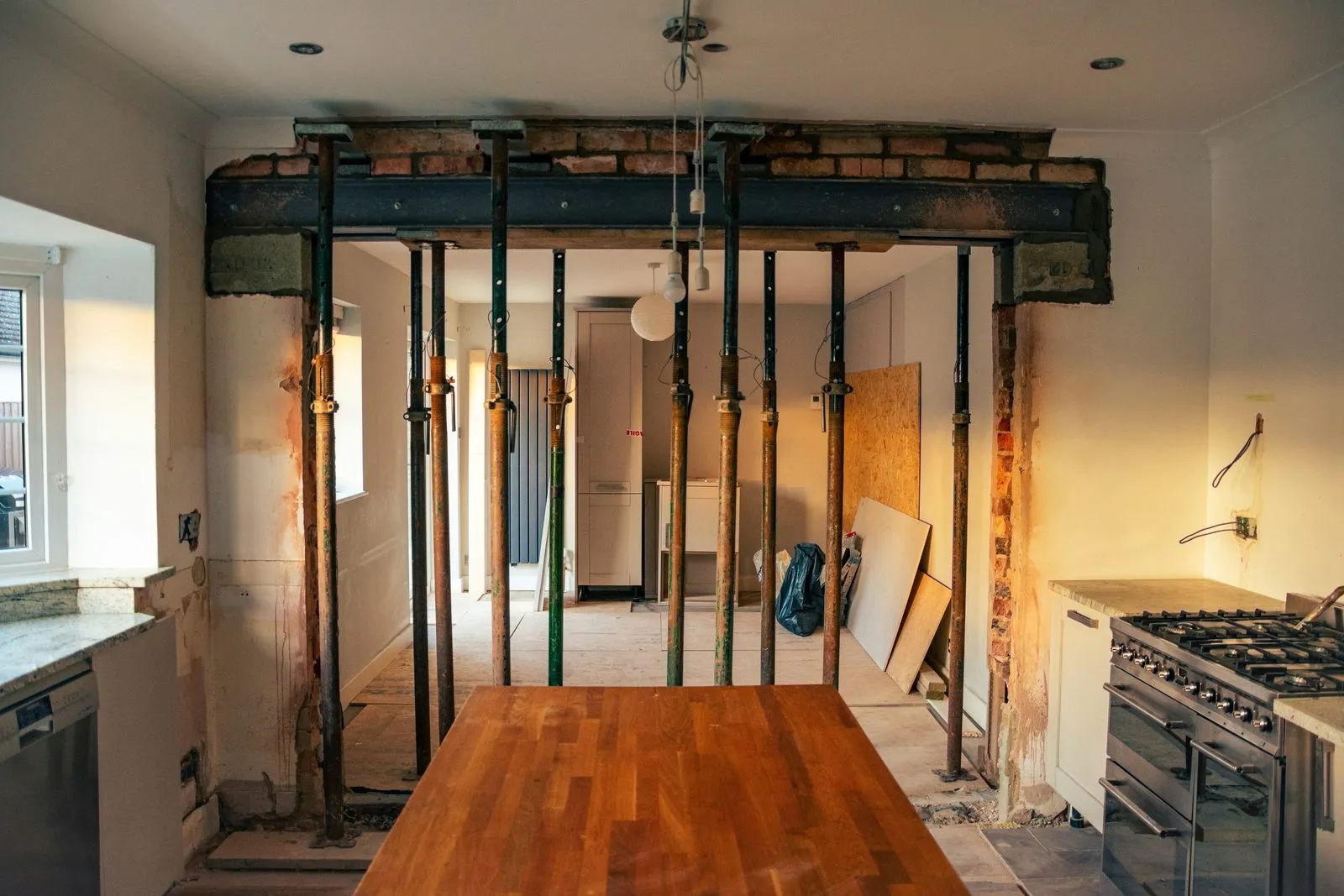
By project
Every job in its own place.
Kitchen reno

Basement finish
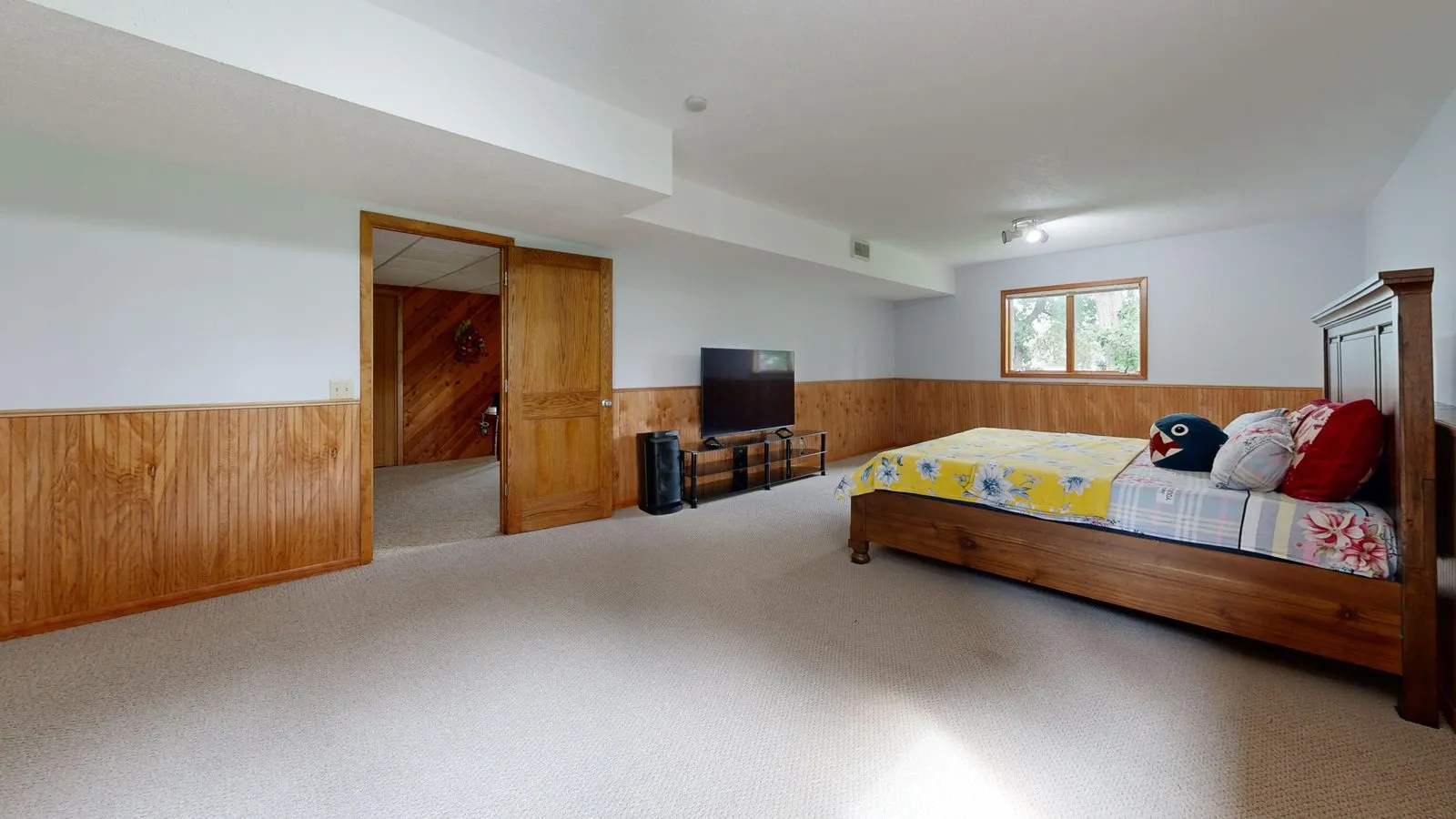

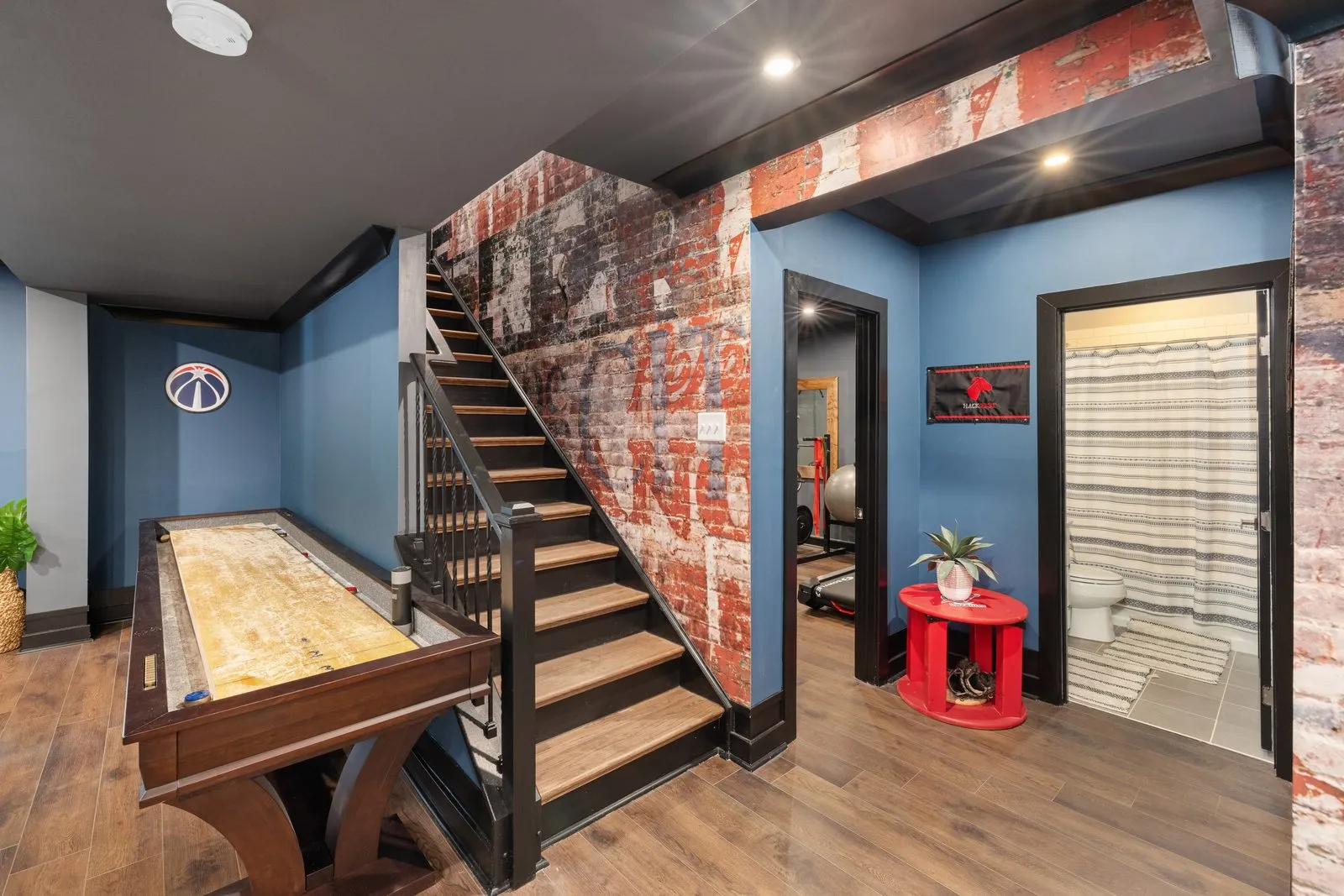
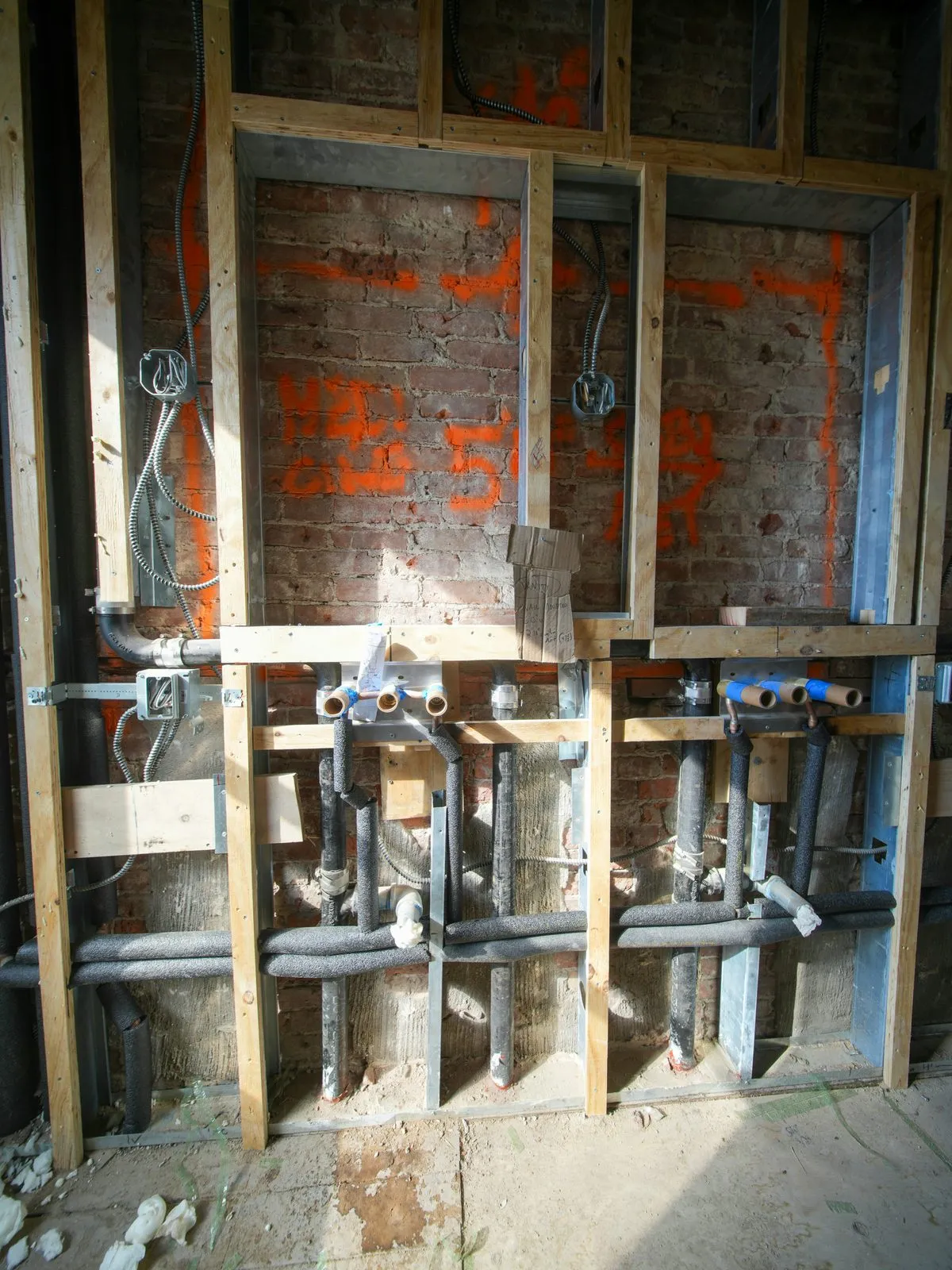
By person
See what each crew member shot.
Marco
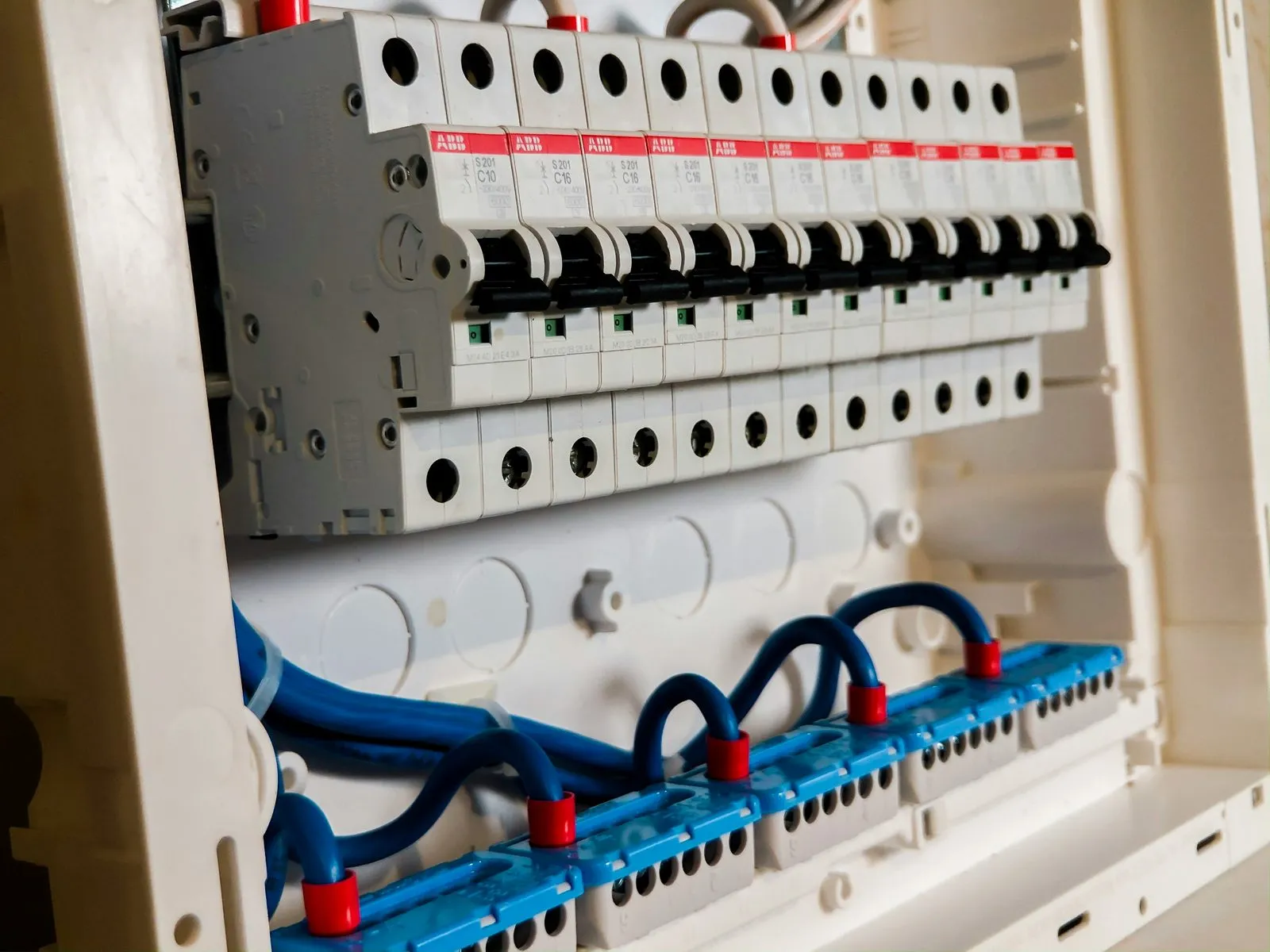
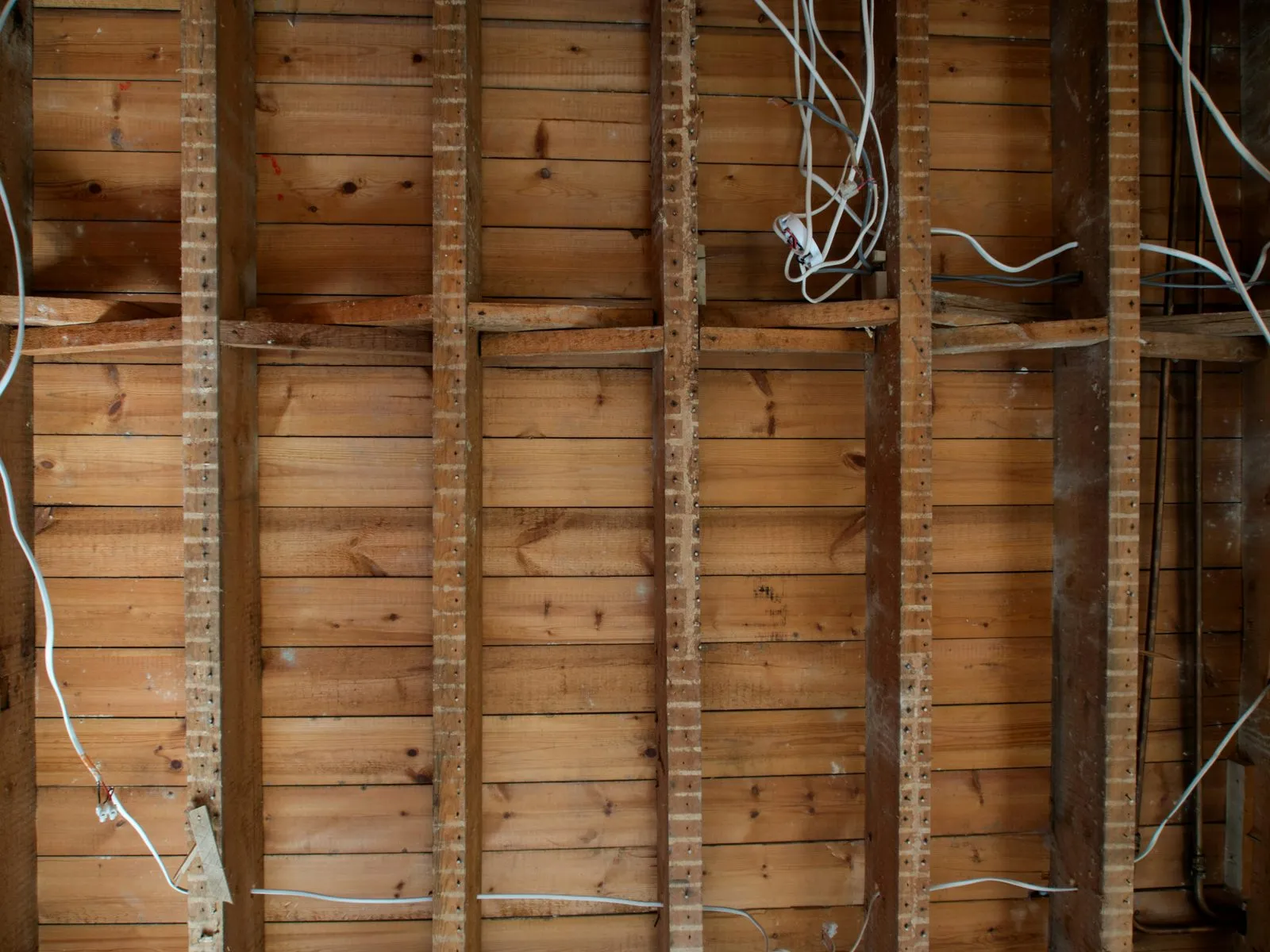
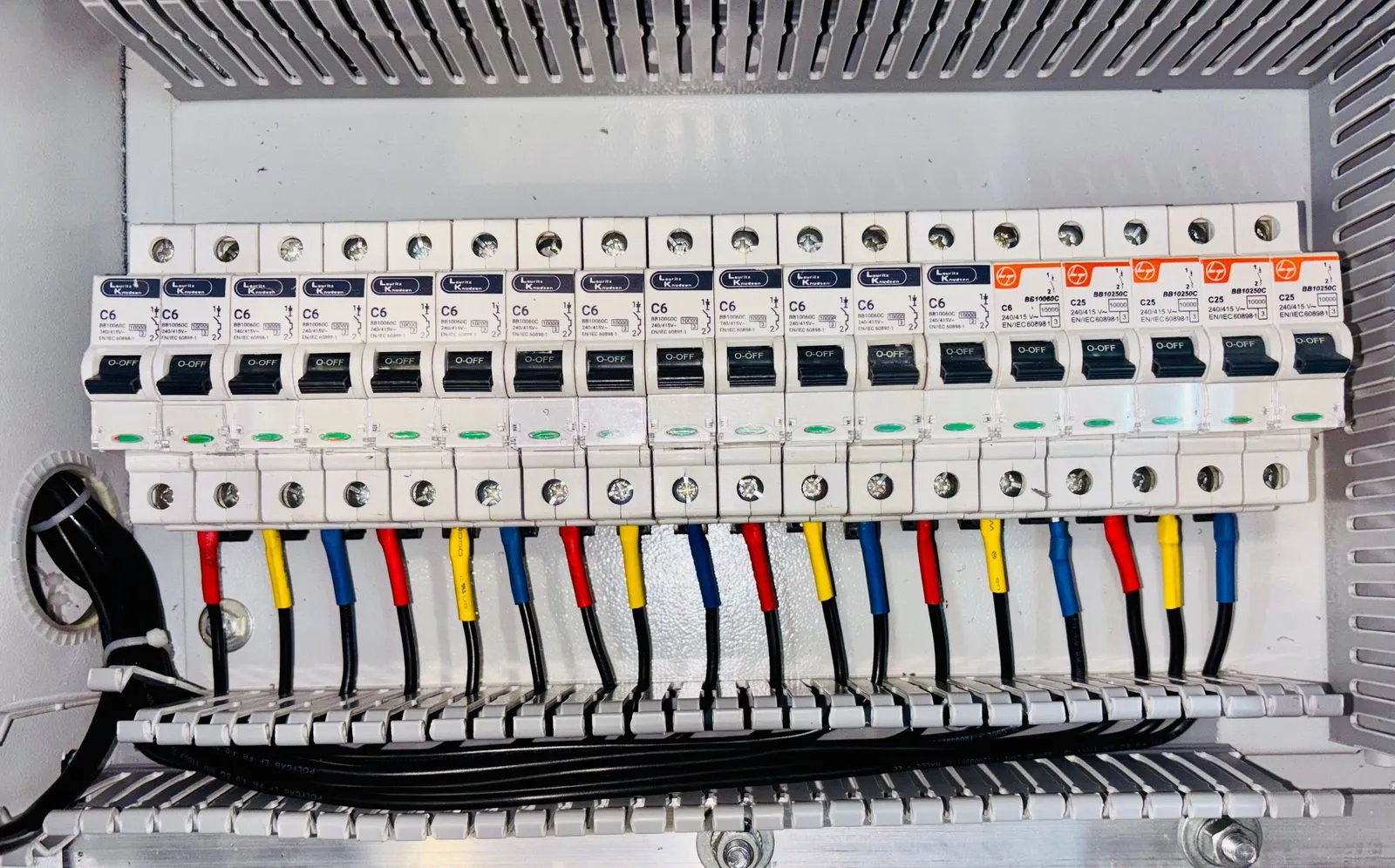
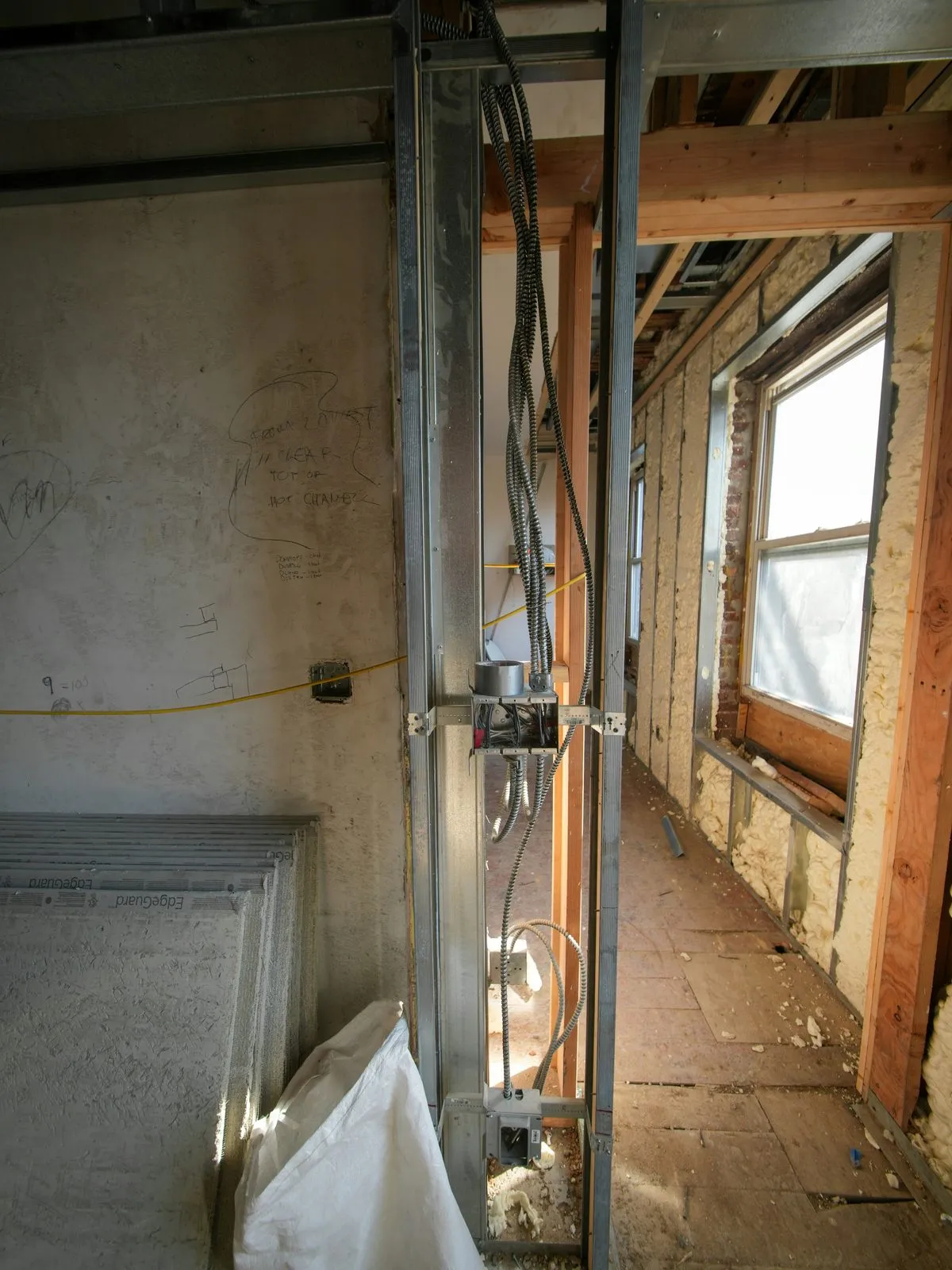
Priya
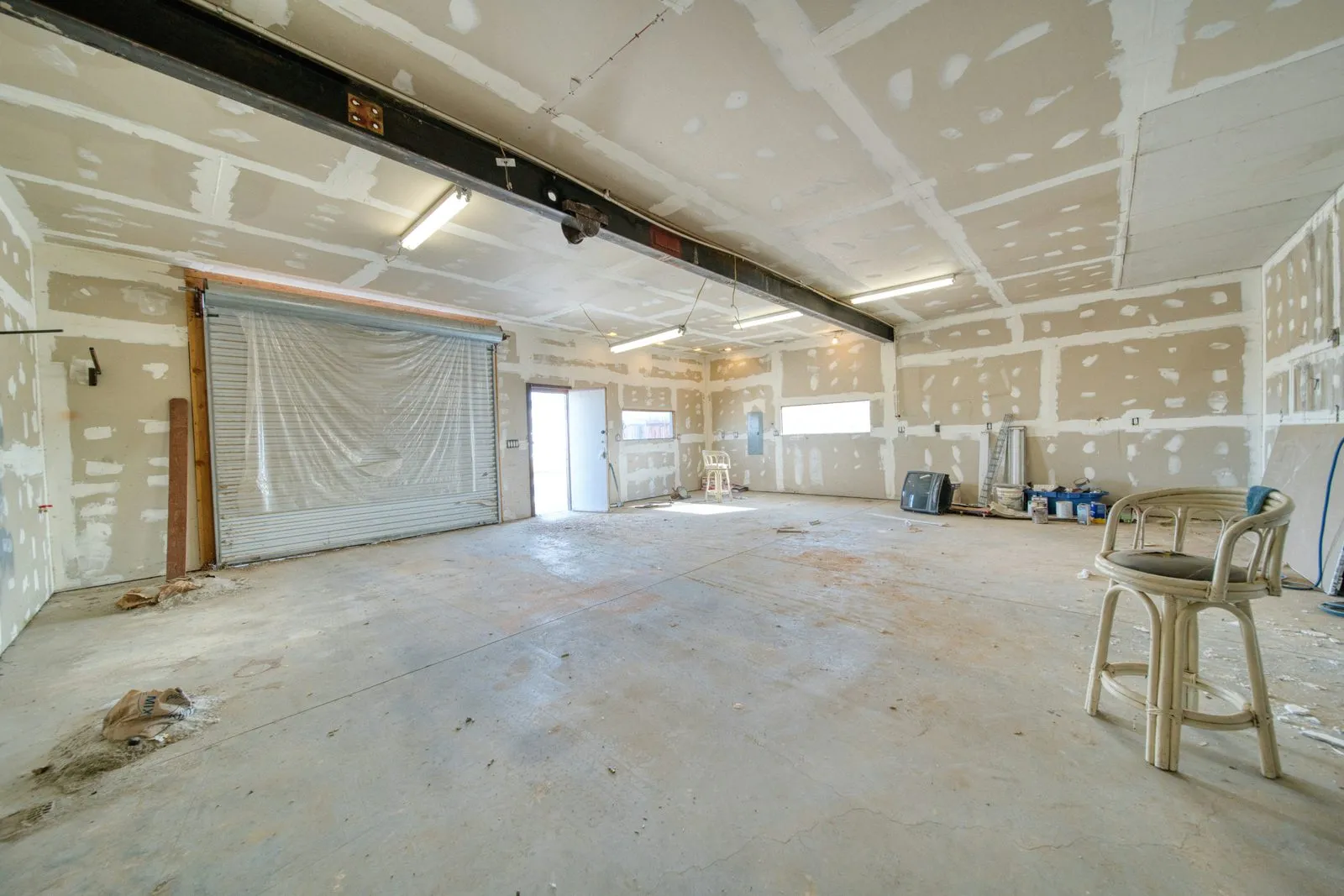
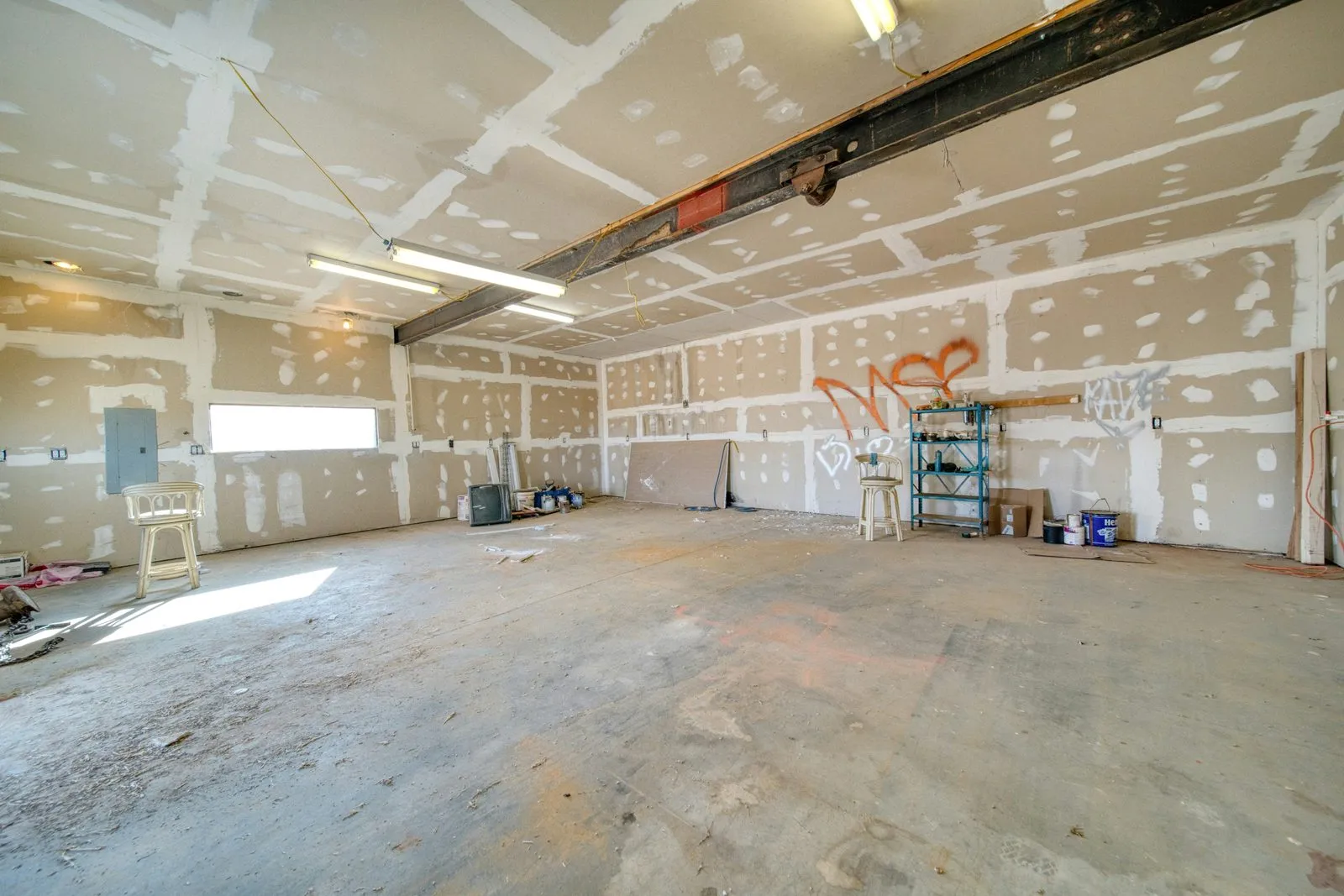
By date
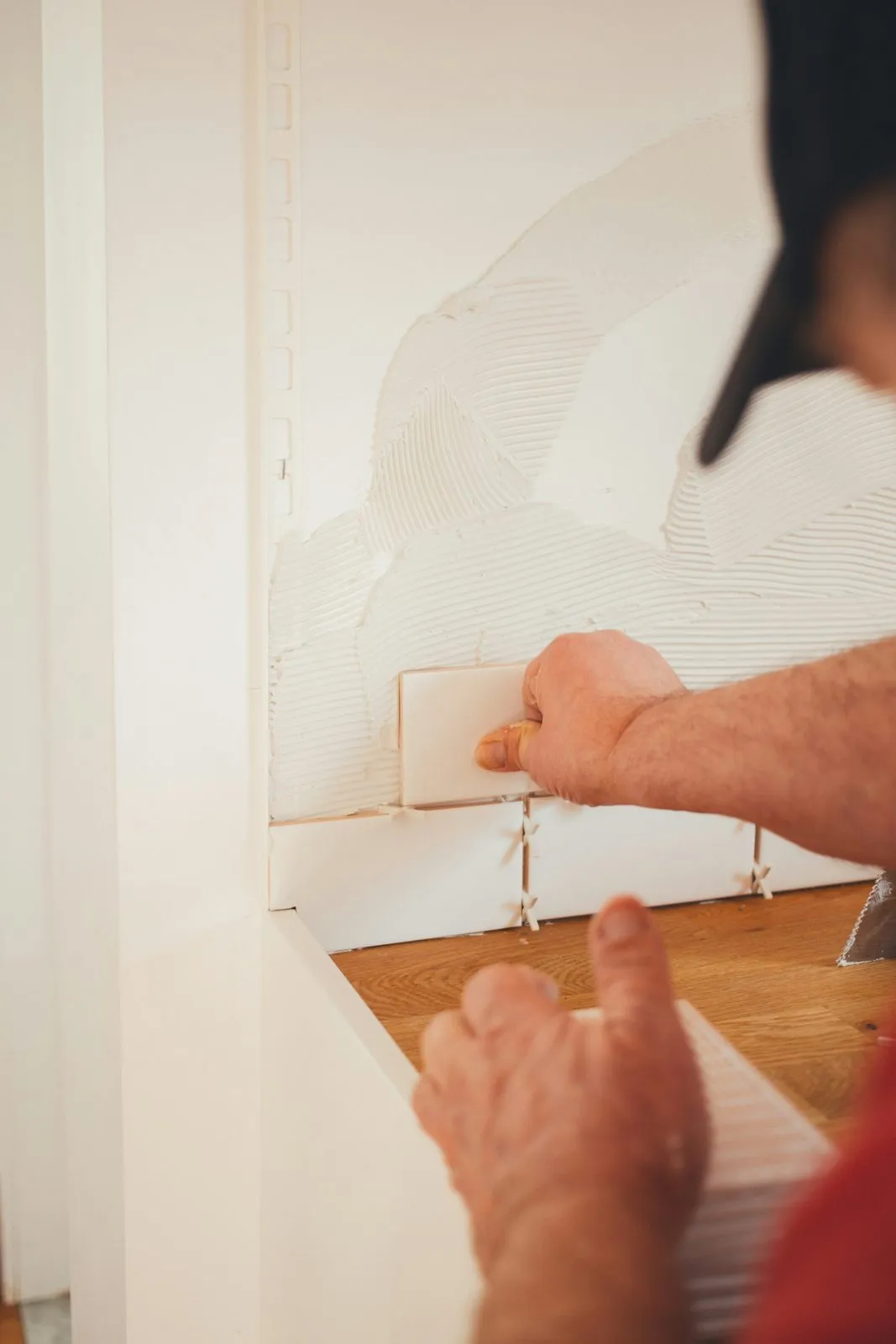
Scroll back to any day on the job.
Today




Yesterday

Your whole crew, one feed
No more chasing photos over text.
Every photo anyone takes syncs to every phone and the office right away. Comment right on the photo, so the conversation stays with the work.
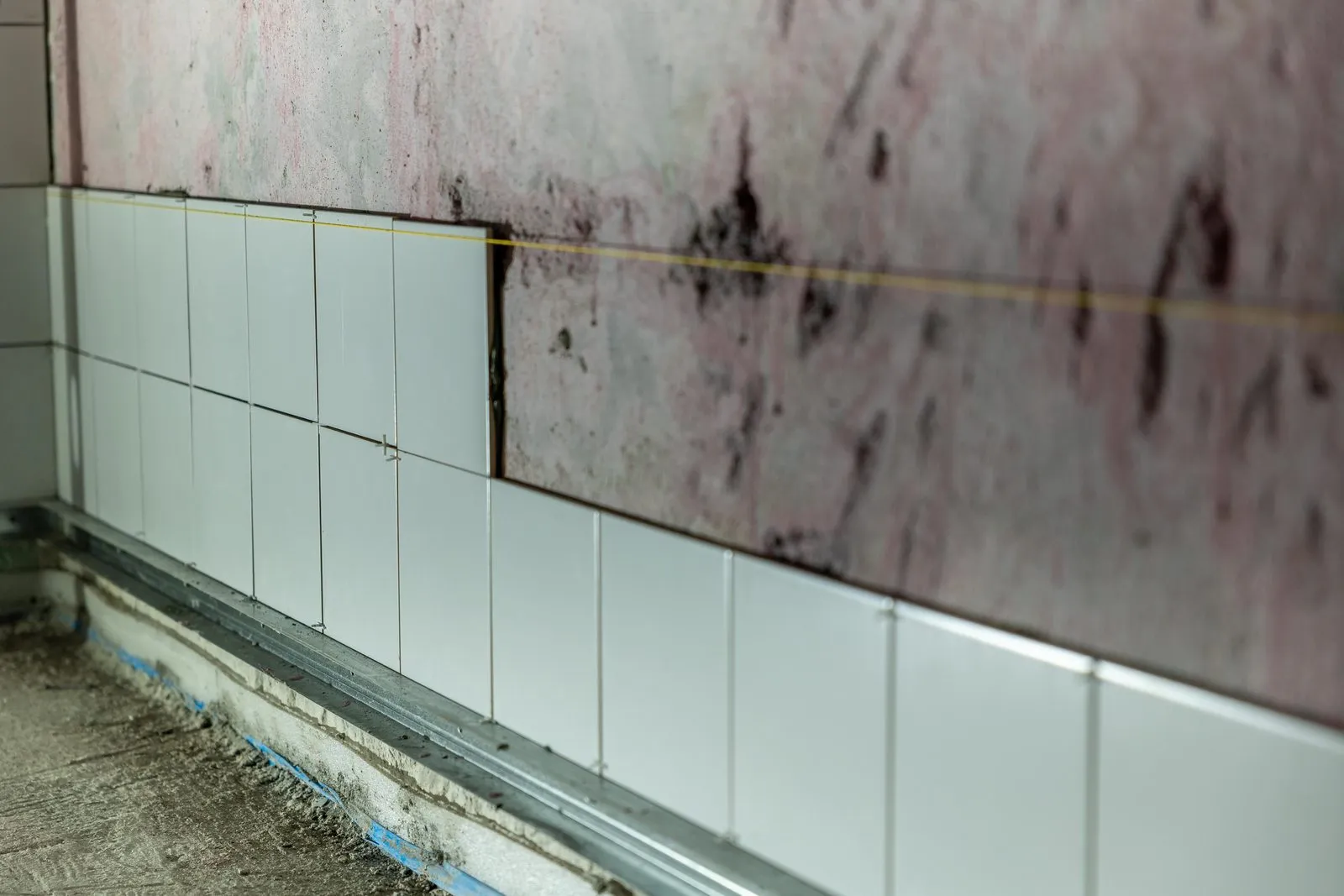
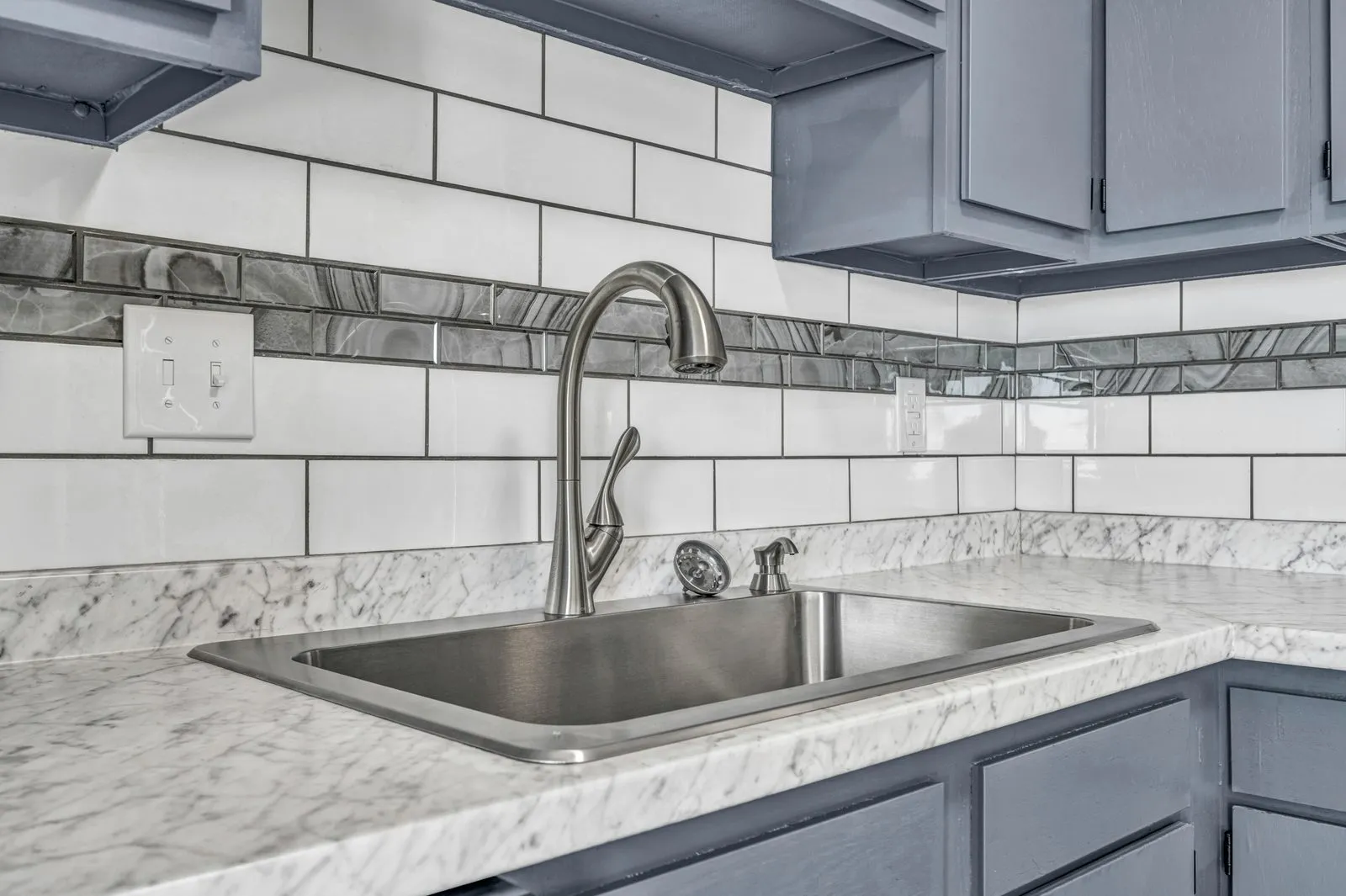 Kitchen reno · Tile backsplash
-
Dev · 10:40 AM
Backsplash is up. Grout tomorrow.
-
You · 10:52 AM
Looks good. Watch the gap by the outlet.
-
Dev · 11:05 AM
Fixed. New photo added.
AI photo search
Type it. Find it.
WorkReels AI tags what's in every photo. Search "cracked concrete" or "electrical rough-in" and skip the endless scrolling.
4 photos across 2 jobs
Before and after
Stop losing photos, and the jobs that come with them.
| Before WorkReels | With WorkReels |
|---|---|
| Before WorkReels: Photos scattered across camera rolls, WhatsApp and email. | With WorkReels: Every photo in the right project, automatically. |
| Before WorkReels: Scrolling through hundreds of shots to find one. | With WorkReels: Search what's in the photo and find it in seconds. |
| Before WorkReels: Blurry shots you only notice back at the office. | With WorkReels: Blurry or poor shots flagged on the spot. |
| Before WorkReels: No signal on site, so photos never get sent. | With WorkReels: Photos save offline and upload when you're back online. |
Protect your business
Cover yourself before it's too late.
Disputes happen. Time-stamped, geotagged photos, locked in the cloud, are your best defence. Document every stage and you've got proof that holds up when you need it.
Unlimited
photo and video storage
Full resolution
originals kept for printing and inspection
Time and place
on every photo, automatically
Yours
export everything, any time
How it works
Simple enough for the newest hire.
-
Step 1: Open the app.
Download WorkReels on iPhone or Android and pick the project.
-
Step 2: Shoot the job.
Take photos and videos in the app. Time, date and location are added for you.
-
Step 3: It's shared.
Photos sync to the team. Share with clients or add to your portfolio.
More than photos
Your photos power the rest of WorkReels.
Where it fits
One part of your crew's day.
- 7:00 AM Check in
- 7:15 AM Photos
- 10:30 AM Tasks
- 10:31 AM AI check
- 1:00 PM Drawings
- 3:30 PM Client update
- 5:00 PM Daily report
- While you sleep Portfolio
Common questions
Can I store unlimited photos and videos?
Yes. Storage for project photos and videos is unlimited.
Can my whole crew upload at the same time?
Yes. Everyone on the job can upload to the same project at once, and it all syncs in real time.
Are photos stored in full resolution?
Yes. Photos stream fast in the app, and the full-resolution original is kept for printing or close inspection.
What if there's no signal on site?
WorkReels saves your photos on the phone and uploads them when you're back online.
Can I upload old photos from my computer?
Yes. Upload existing photos and videos through the WorkReels web dashboard.
Do my photos stay mine if I cancel?
Always. You can export all your data any time, before or after cancelling.
It just works.
Capture every detail. Protect every job.
Start capturing freeNo credit card. Free for a month.